WorkingBands.AI features
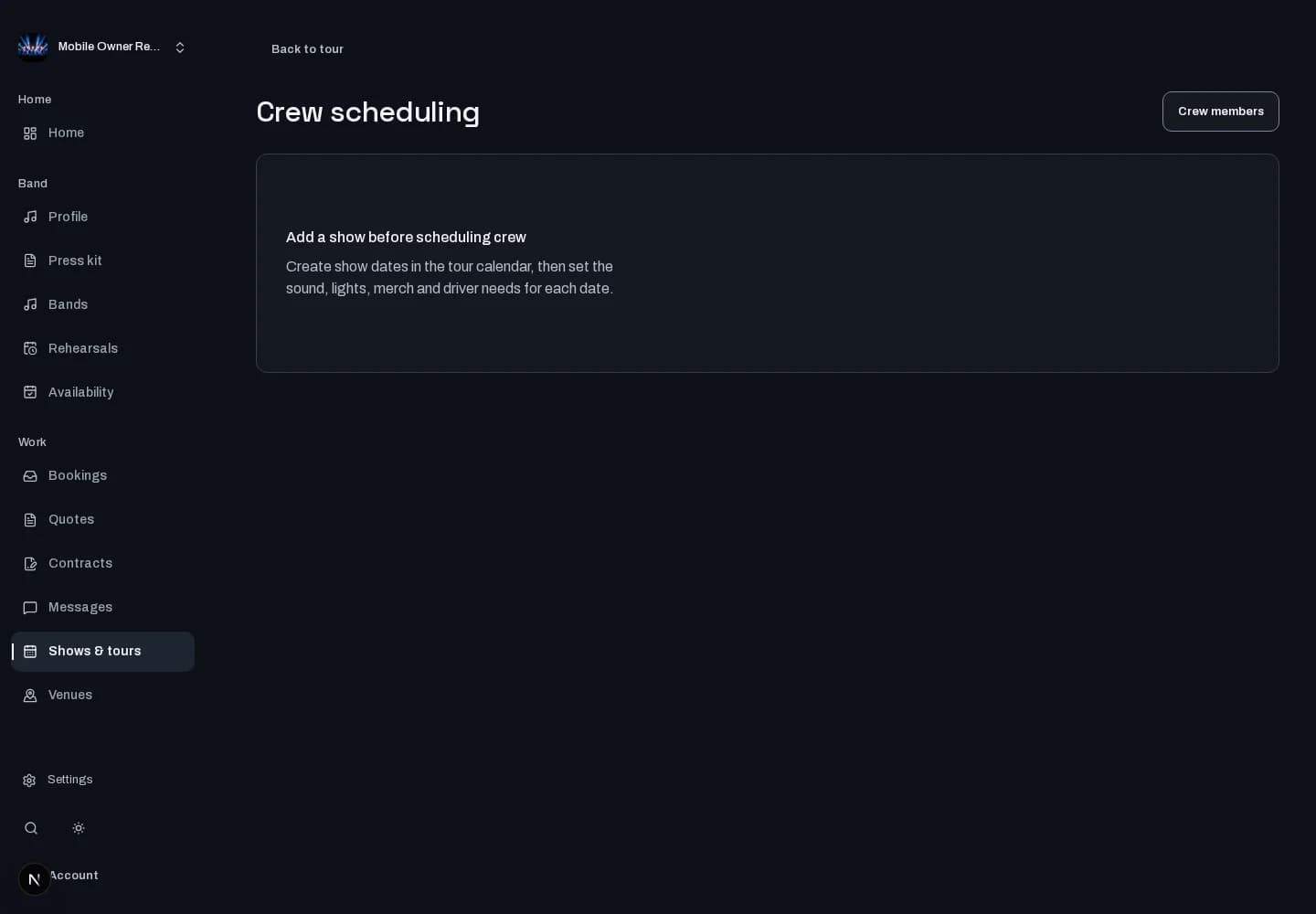
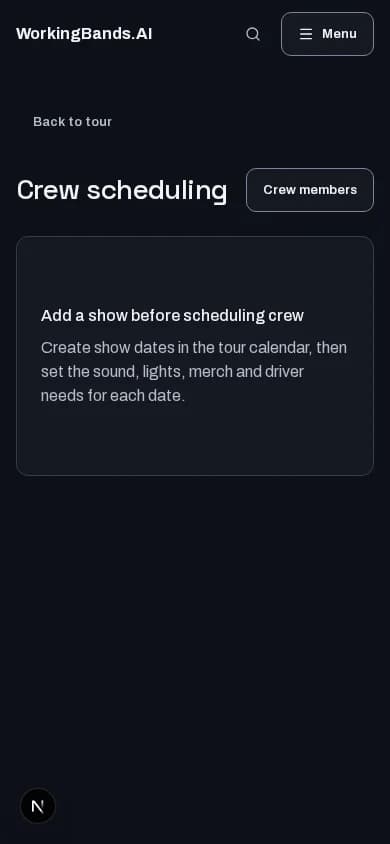
Crew scheduling
Keep crew assignments with the tour and its shows. Review who is assigned before the next call.
Who it is for
For tour managers and bandleaders organizing the people working a run.
Inside the workspace
How to start
- Create your account or sign in. Open Shows & tours, choose a tour and open Crew.
- Assign the crew you work with to the tour and its shows, then review the relevant schedule and permissions.
New here? Create your account. Already set up? Open the dashboard workspace.
Questions before you start
Is this a crew hiring marketplace?
No. This workspace manages your saved crew and assignments. It does not recruit people or run payroll.
How do I get started?
Create your account or sign in. Open Shows & tours, choose a tour and open Crew.