WorkingBands.AI features
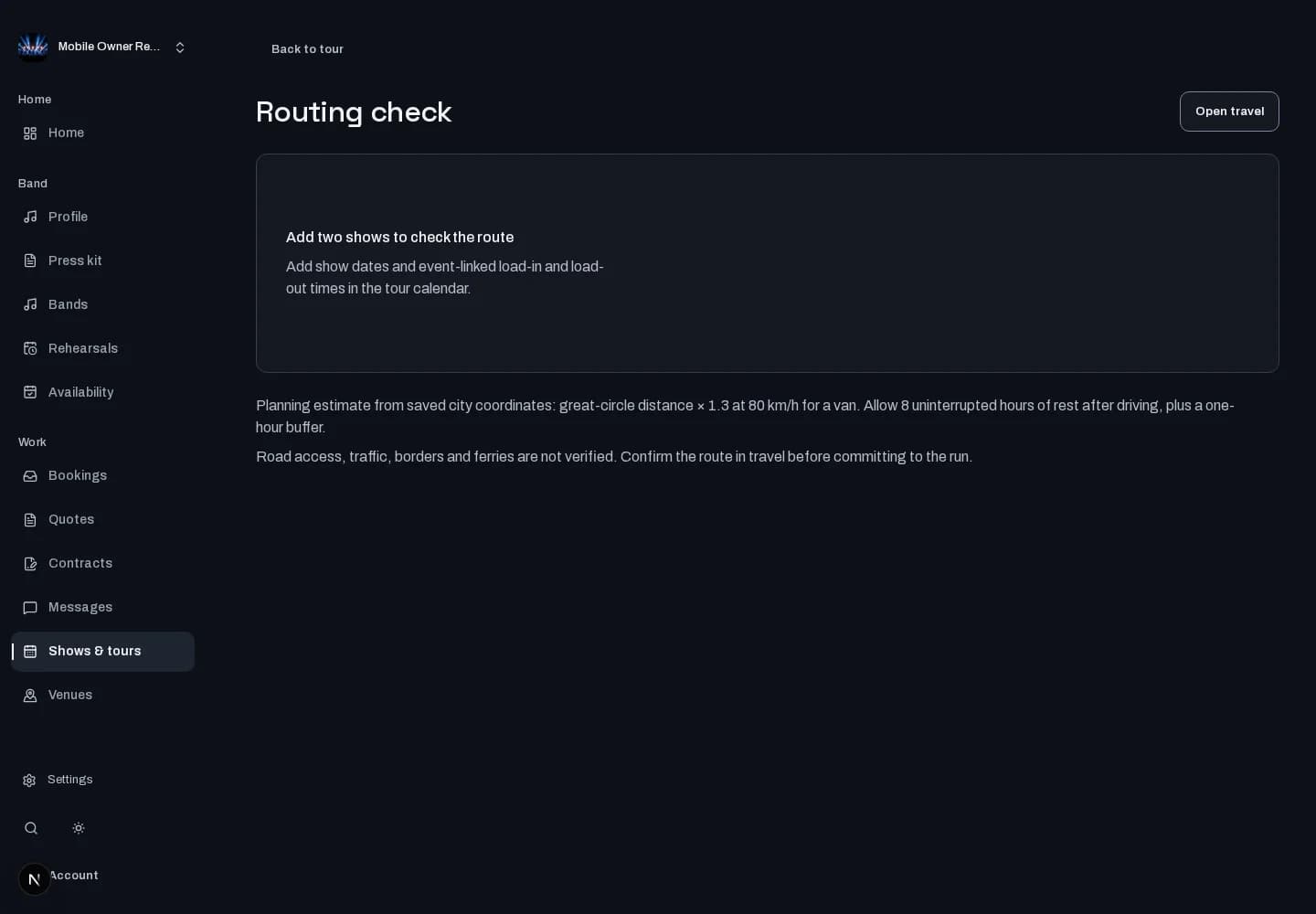
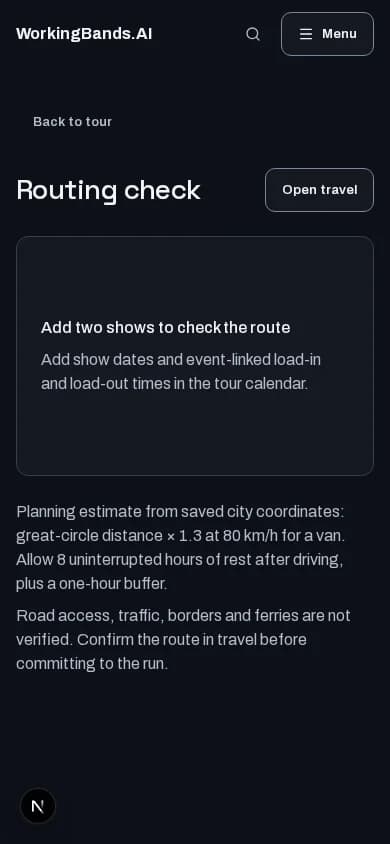
Routing check
Review the route you have saved. Spot travel gaps and schedule warnings while there is still time to adjust the plan.
Who it is for
For bands checking the connections between tour days.
Inside the workspace
How to start
- Create your account or sign in. Open Shows & tours, choose a tour and open its routing workspace.
- Review the saved stops, travel gaps and warnings alongside the show schedule. Update the source plan when details change.
New here? Create your account. Already set up? Open the dashboard workspace.
Questions before you start
Does it book travel for us?
No. Routing checks review saved tour and travel information. They do not purchase transport or guarantee that a journey will run on time.
How do I get started?
Create your account or sign in. Open Shows & tours, choose a tour and open its routing workspace.