WorkingBands.AI features
Show calendar
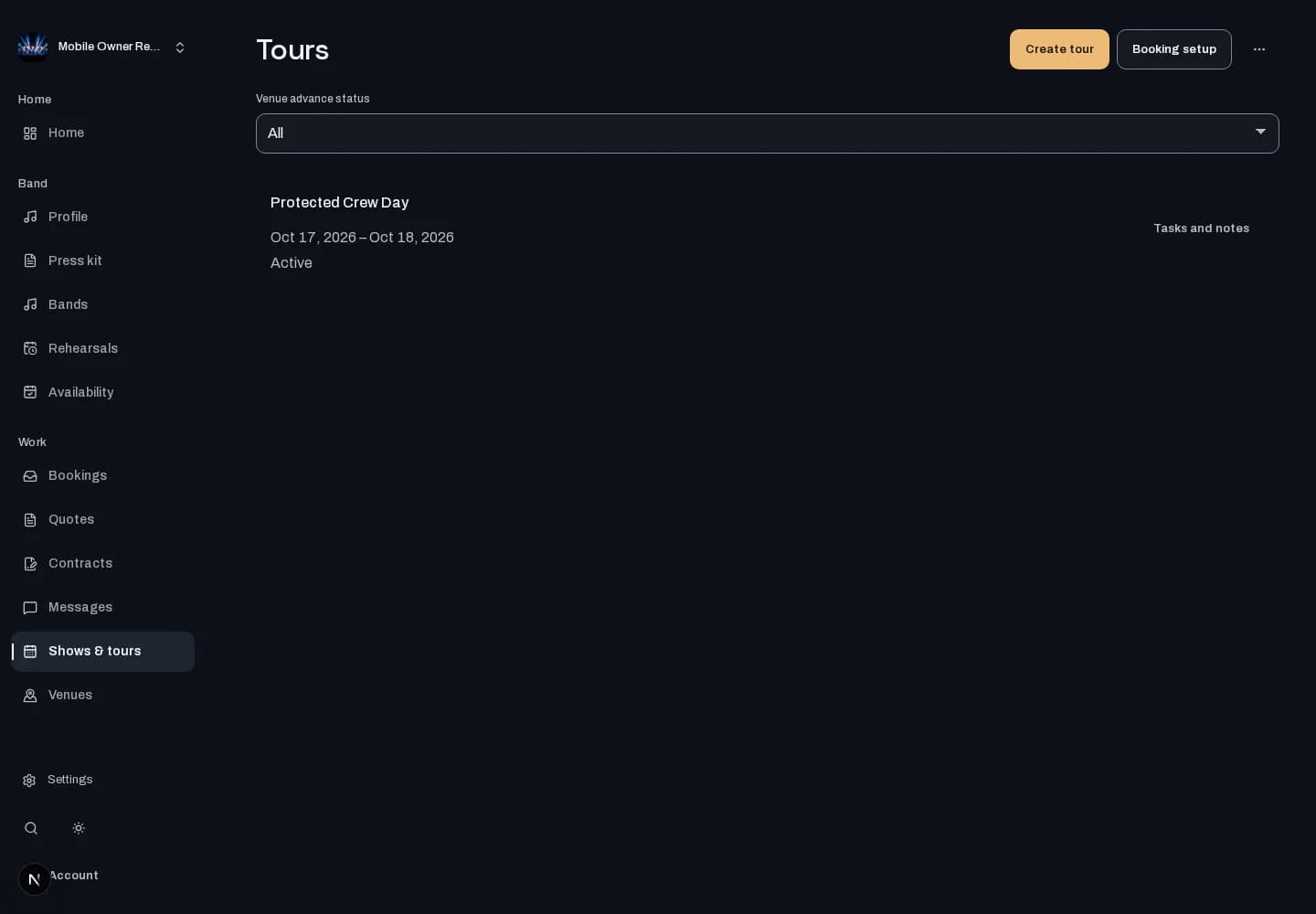
Keep show dates and tour plans together. Give bandmates with scheduling access a shared view of what comes next.
Who it is for
For bands organizing dates, shows and the days around them.
Inside the workspace
How to start
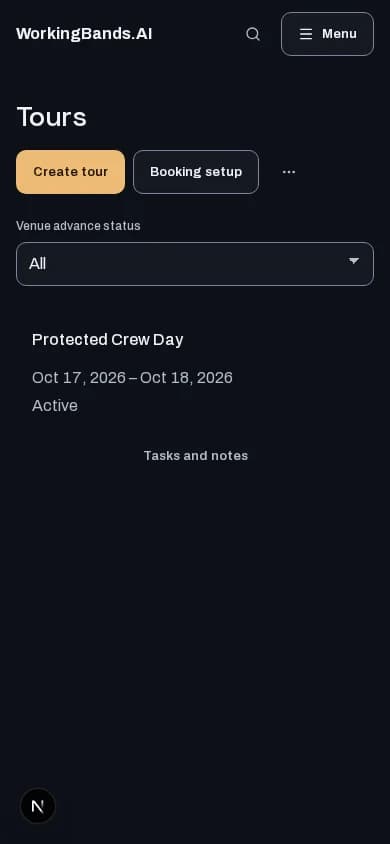
- Create your account or sign in. Open Shows & tours and choose the band or tour you want to plan.
- Review dates, open a tour and keep its show and day details up to date.
New here? Create your account. Already set up? Open the dashboard workspace.
Questions before you start
Can every bandmate see every tour automatically?
Access follows band and tour permissions. The calendar shows the scheduling information the signed-in person is allowed to view.
How do I get started?
Create your account or sign in. Open Shows & tours and choose the band or tour you want to plan.