WorkingBands.AI features
Rate advisor
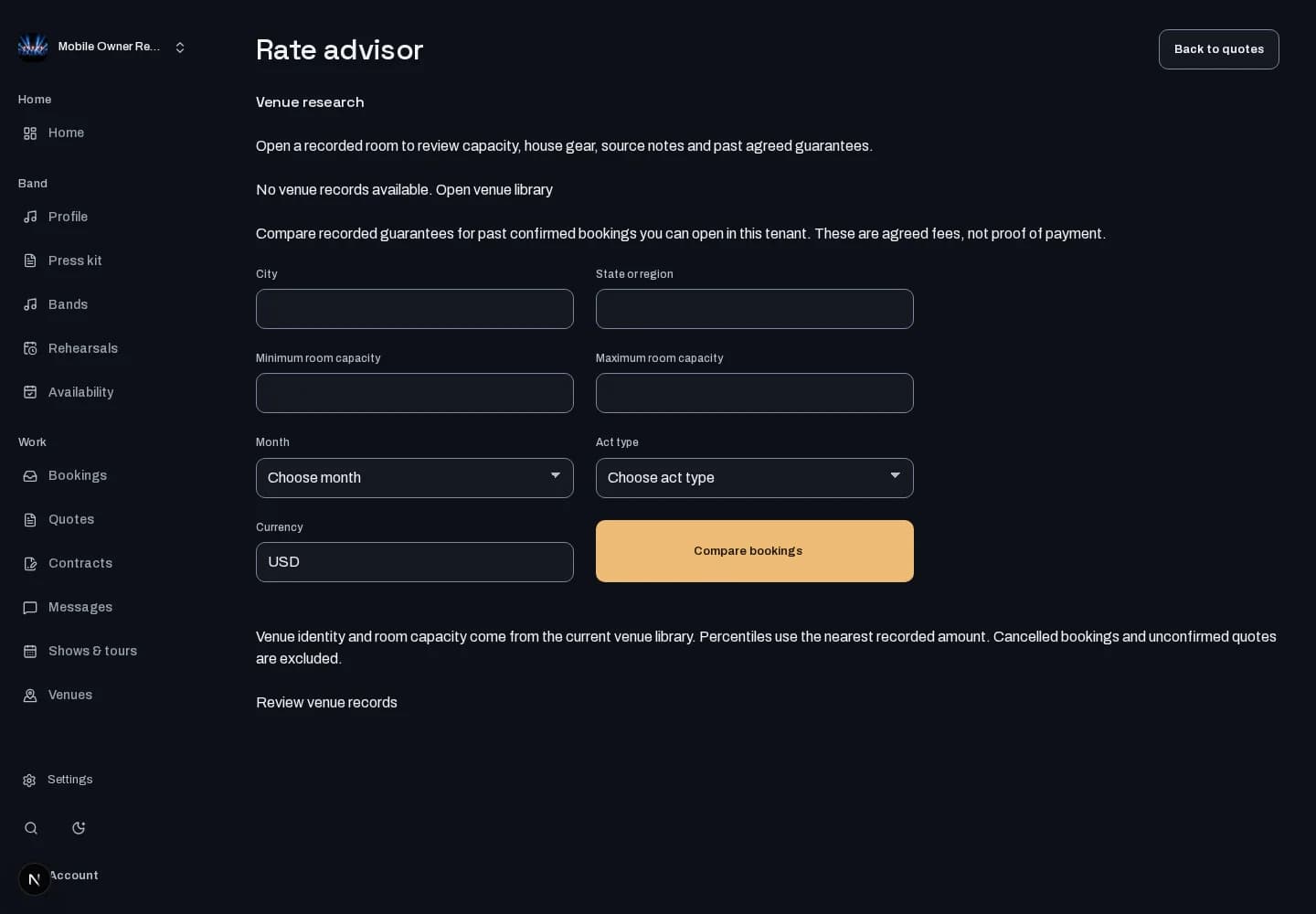
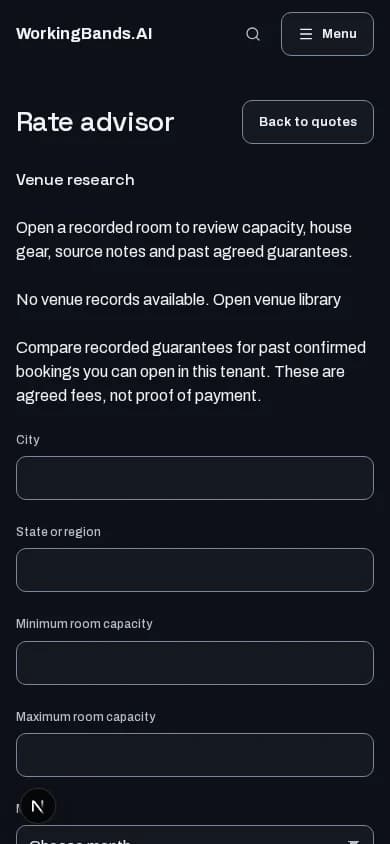
Compare recorded guarantees from bookings you can access in similar rooms, markets and months. See the source bookings behind the comparison.
Who it is for
For bandleaders checking recorded comparables before discussing a guarantee.
Inside the workspace
How to start
- Create your account or sign in. Open Rate advisor from dashboard tools.
- Choose the market, room capacity range, month, act type and currency. Read the available comparables and their limits.
New here? Create your account. Already set up? Open the dashboard workspace.
Questions before you start
What happens when there is too little data?
The advisor reports insufficient data instead of inventing a range. Results use accessible recorded bookings, not a complete survey of what every band is paid.
How do I get started?
Create your account or sign in. Open Rate advisor from dashboard tools.