WorkingBands.AI features
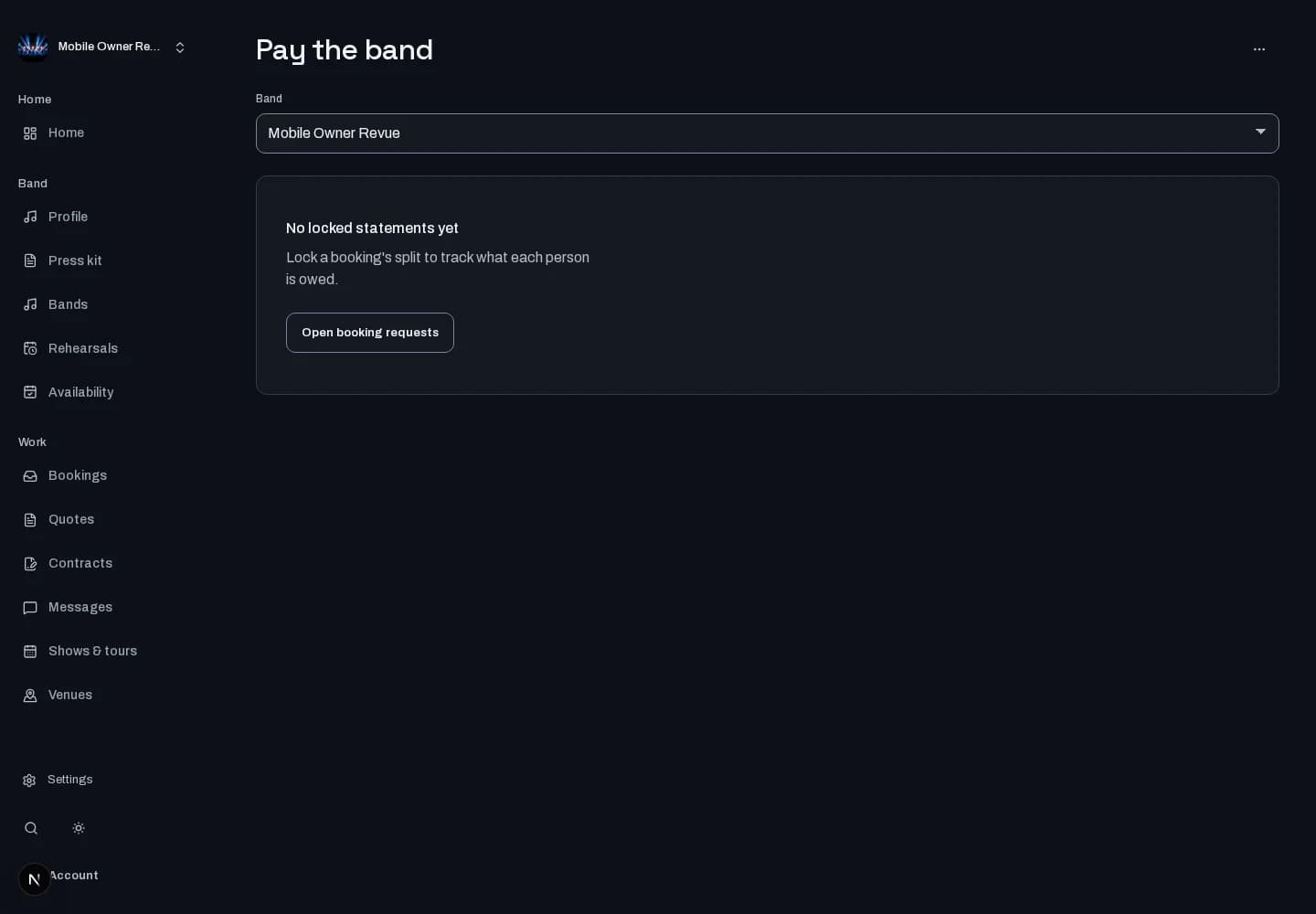
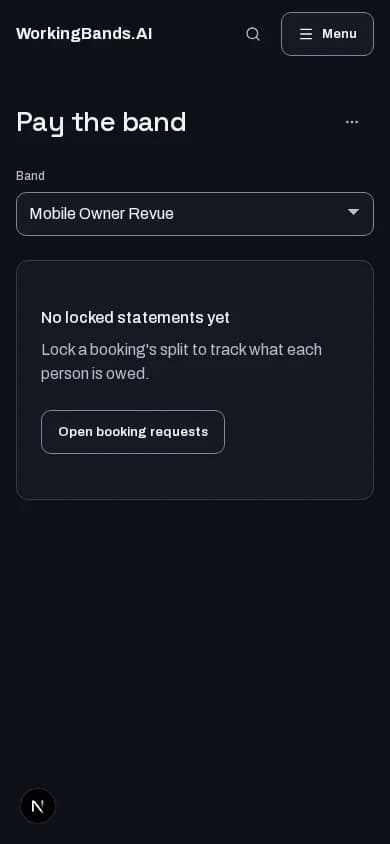
Pay the band
Work out booking balances and member splits, then record the payments you make yourself. Keep settlement progress visible in one workspace.
Who it is for
For bandleaders tracking who is owed what after a booking.
Inside the workspace
How to start
- Create your account or sign in. Open Expenses, then Pay the band, and choose your band.
- Review booking balances and member allocations. Record the settlement only when you have made the payment yourself.
New here? Create your account. Already set up? Open the dashboard workspace.
Questions before you start
Does this transfer money to bandmates?
No. Tracking a settlement here does not move money. You make payments outside this workspace and record them here.
How do I get started?
Create your account or sign in. Open Expenses, then Pay the band, and choose your band.