WorkingBands.ai features
Tax summaries
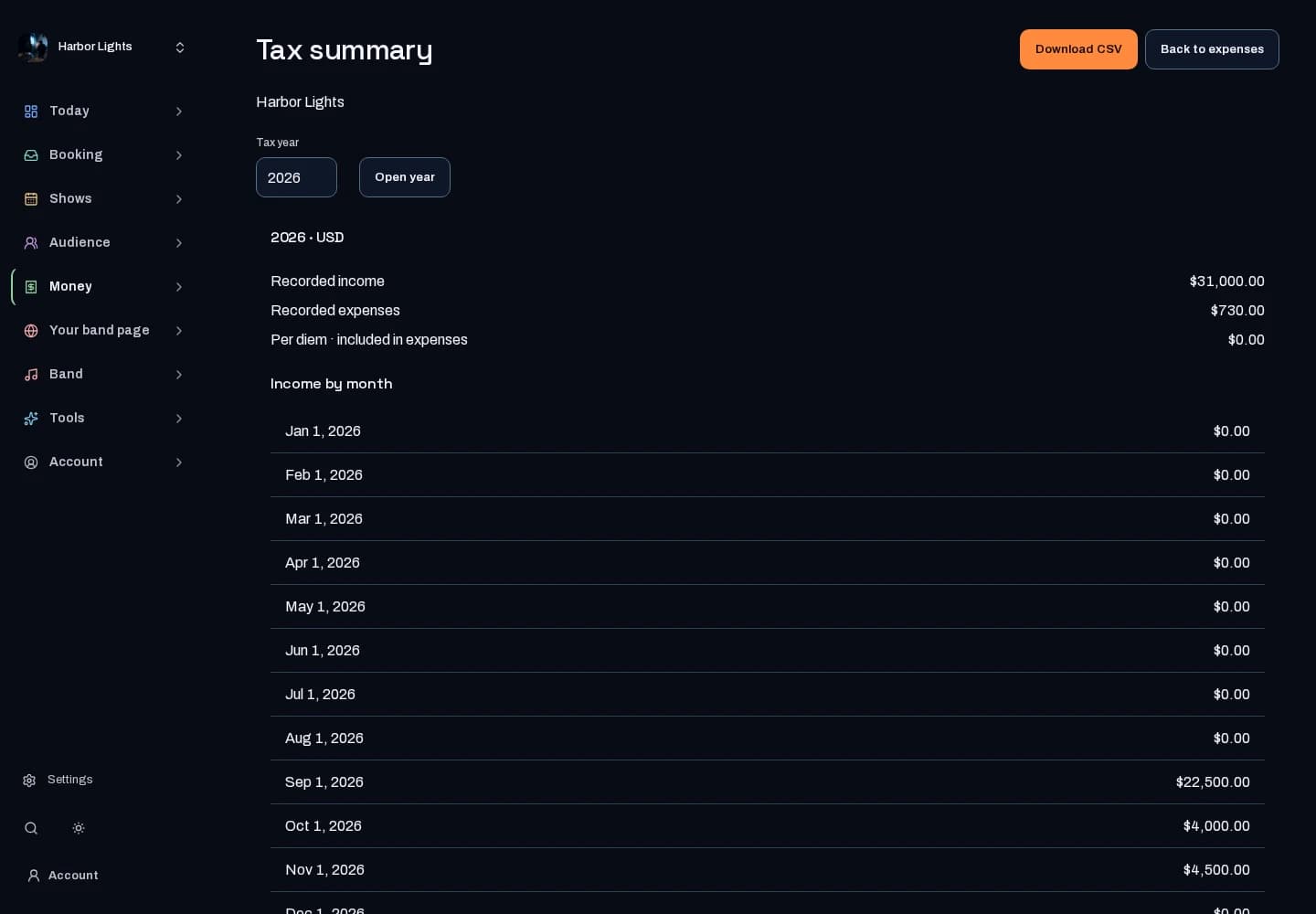
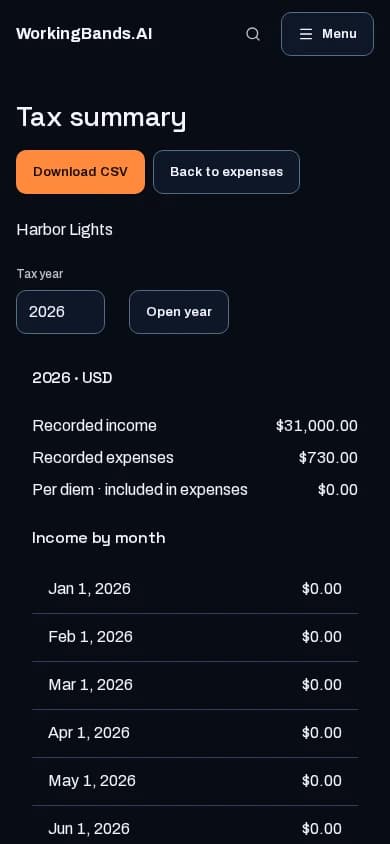
Review annual recorded income and expense totals by category, then download the summary CSV for your accountant.
Who it is for
For bands gathering the year’s records for an accountant.
Inside the workspace
2 real screens from the tool
How to start
- Create your account or sign in. Open Expenses, select your band and open Tax summary.
- Choose the year, review the categories and download the CSV. Reconcile it with your receipts and other records.
New here? Get your free EPK. Already set up? Open the dashboard workspace.
Questions before you start
Does this file a tax return?
No. It summarizes saved records for review and export. Your accountant can help determine how those records belong in a return.
How do I get started?
Create your account or sign in. Open Expenses, select your band and open Tax summary.