WorkingBands.ai features
Tour profitability
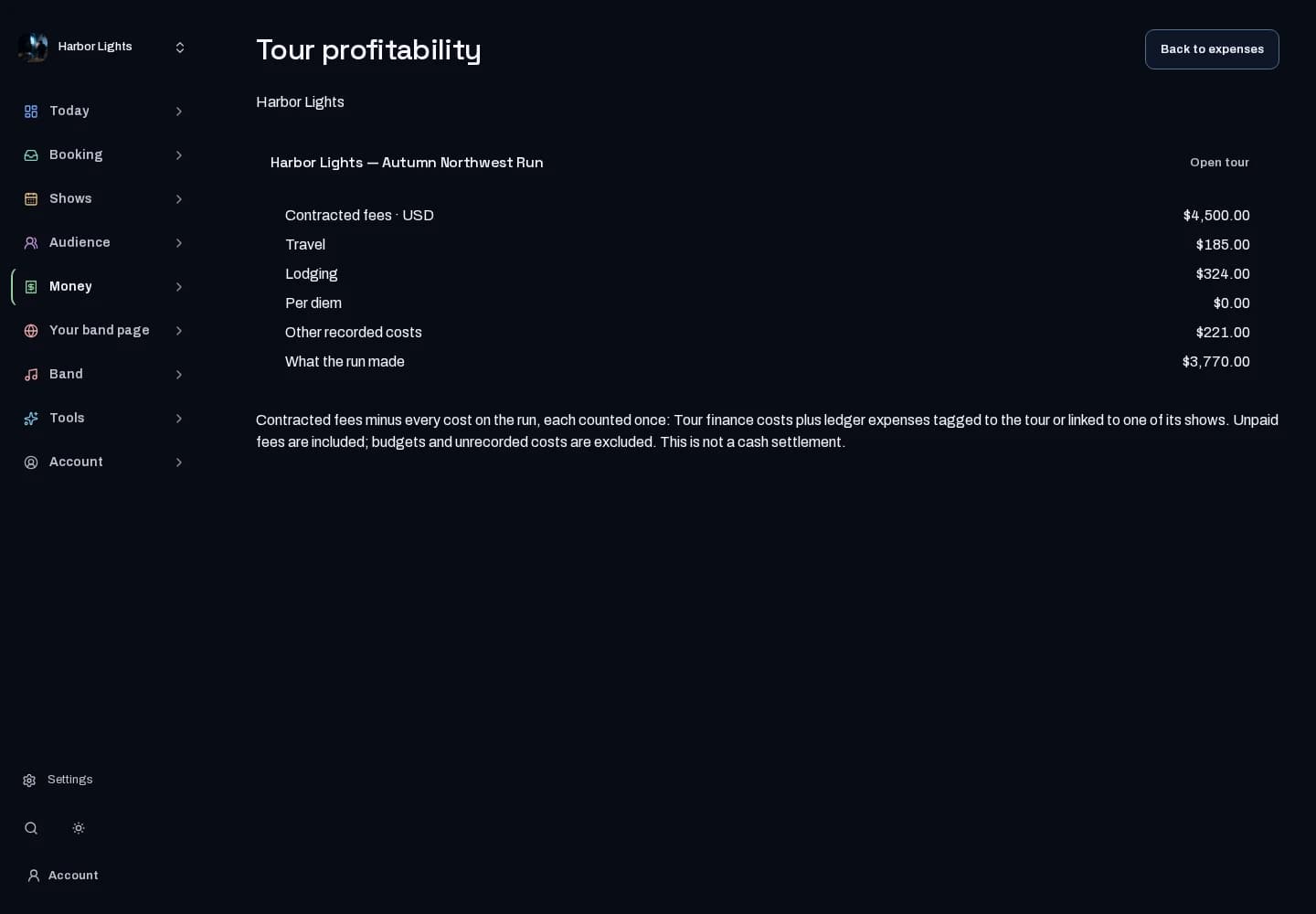
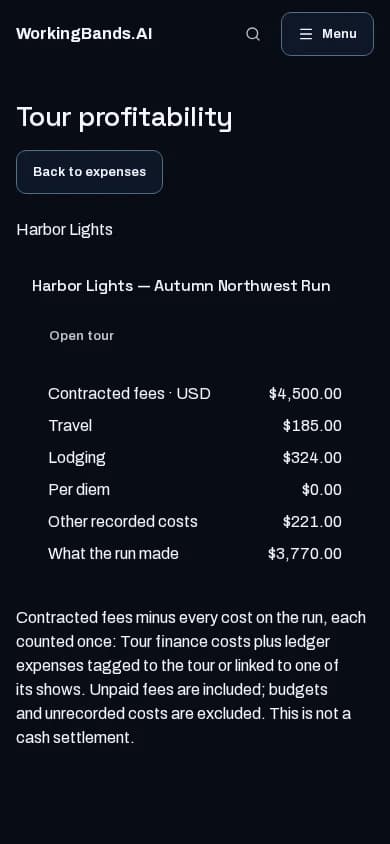
See how the tour adds up. Compare confirmed revenue with the expenses and per diems you have recorded.
Who it is for
For bands reviewing whether the road plan is covering its costs.
Inside the workspace
2 real screens from the tool
How to start
- Create your account or sign in. Open Expenses, select your band and open Tour profitability.
- Review each tour’s contracted fees alongside recorded travel, lodging, per diems and other costs. Amounts stay separate by currency.
- Check for missing booking fees and add any unrecorded costs at the source before relying on what the run made.
New here? Get your free EPK. Already set up? Open the dashboard workspace.
Questions before you start
Does it include costs I have not recorded?
No. The report is only as complete as its source records. Shows and tours must be enabled for this report.
Is this the cash left to pay the band?
No. Contracted fees include unpaid amounts. The report subtracts recorded costs, excludes budgets and unrecorded costs, and does not move money or settle payments.