WorkingBands.AI features
Expense tracking
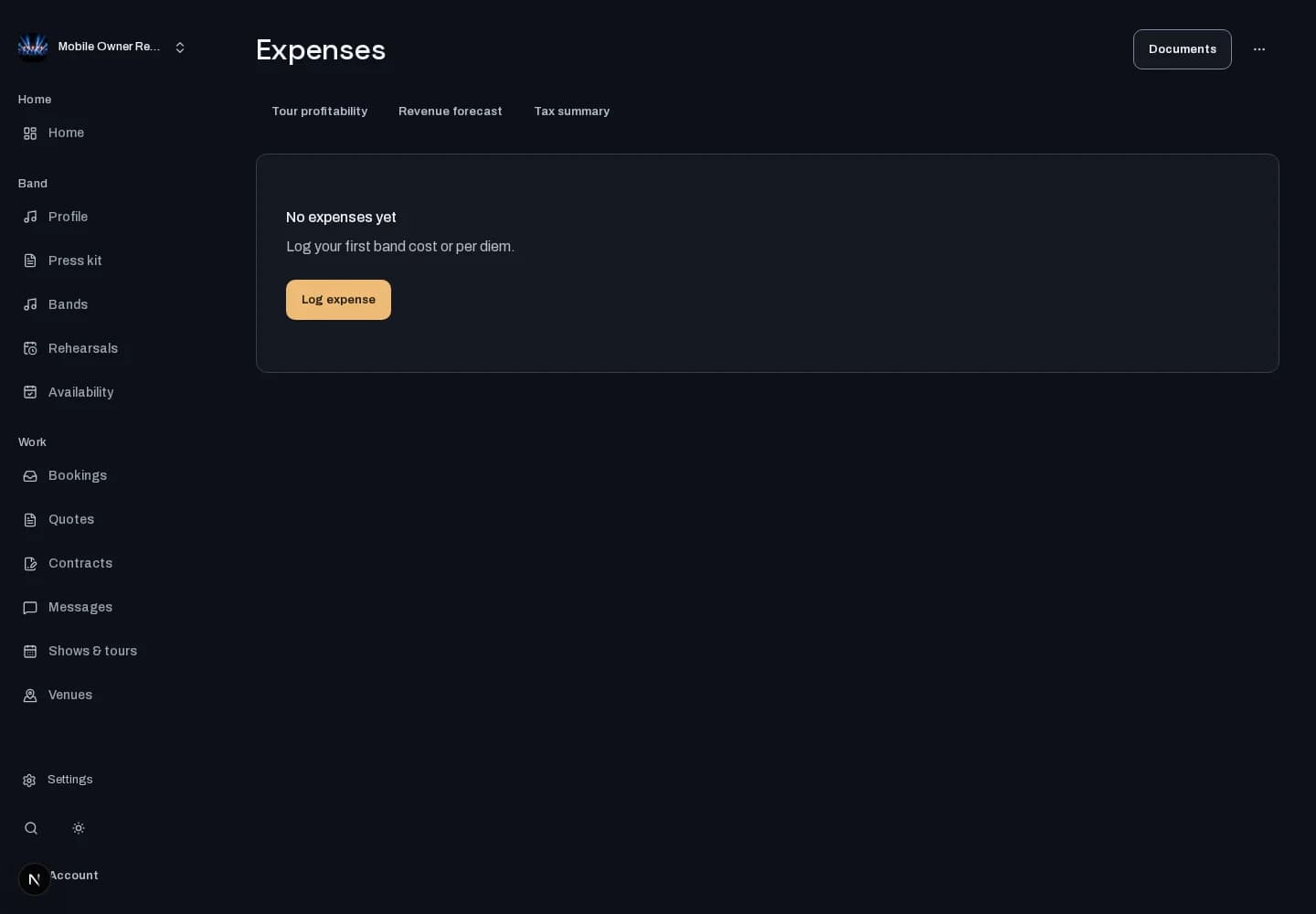
Keep road receipts and expenses in one ledger. Organize what you spend by band and tour so the records are ready when you need them.
Who it is for
For bandleaders keeping track of show costs and tour spending.
Inside the workspace
How to start
- Create your account or sign in. Open Expenses and select the band you are working on.
- Record the expense details and attach the supporting receipt where available. Review the ledger and keep the band and tour context accurate.
New here? Create your account. Already set up? Open the dashboard workspace.
Questions before you start
Will it find all my expenses automatically?
The ledger reflects recorded expenses. Check that your receipts and entries are complete; it is not a promise of bank-feed imports.
How do I get started?
Create your account or sign in. Open Expenses and select the band you are working on.