WorkingBands.AI features
Bio rewrite
Try your saved bio in three tones. Compare the versions and choose the one that sounds like your band before saving it to your profile.
Who it is for
For bands adapting an existing bio for a different audience or room.
Inside the workspace
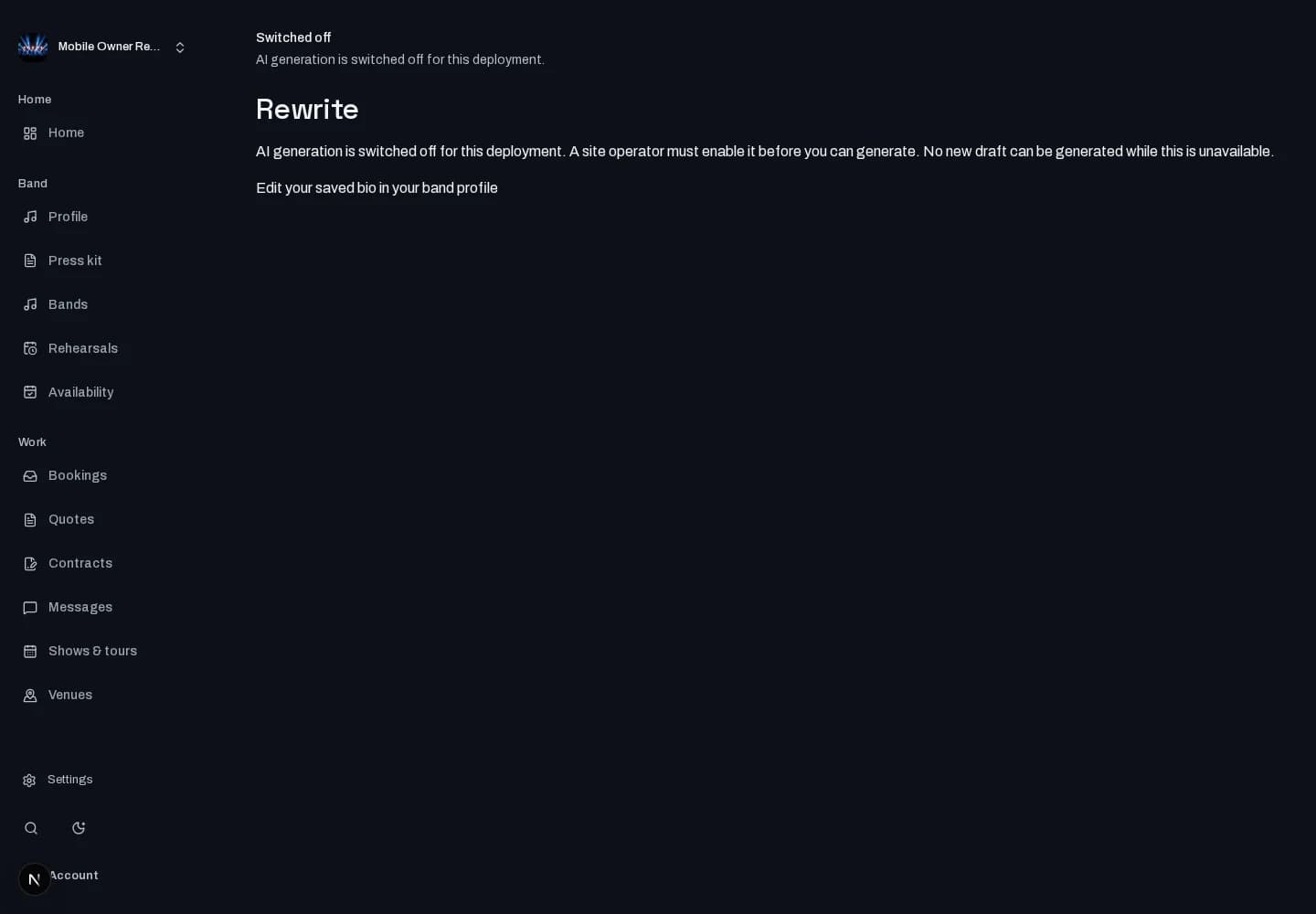
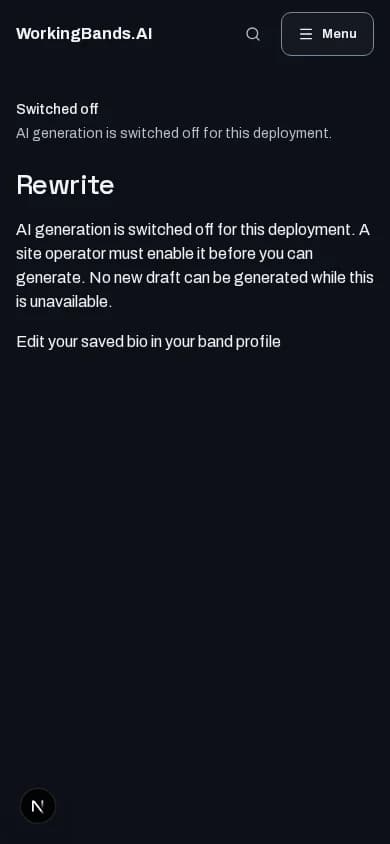
How to start
- Create your account or sign in. Open Rewrite from dashboard tools and choose a band.
- Choose a saved bio field and three different tones. Review the returned versions and explicitly approve the one you want to apply.
New here? Create your account. Already set up? Open the dashboard workspace.
Questions before you start
Can I use this without a saved bio?
Start with your band’s source bio. Rewrite works on a saved bio field; it does not replace collecting accurate band details. Generation must be available.
How do I get started?
Create your account or sign in. Open Rewrite from dashboard tools and choose a band.