WorkingBands.AI features
Logo drafts
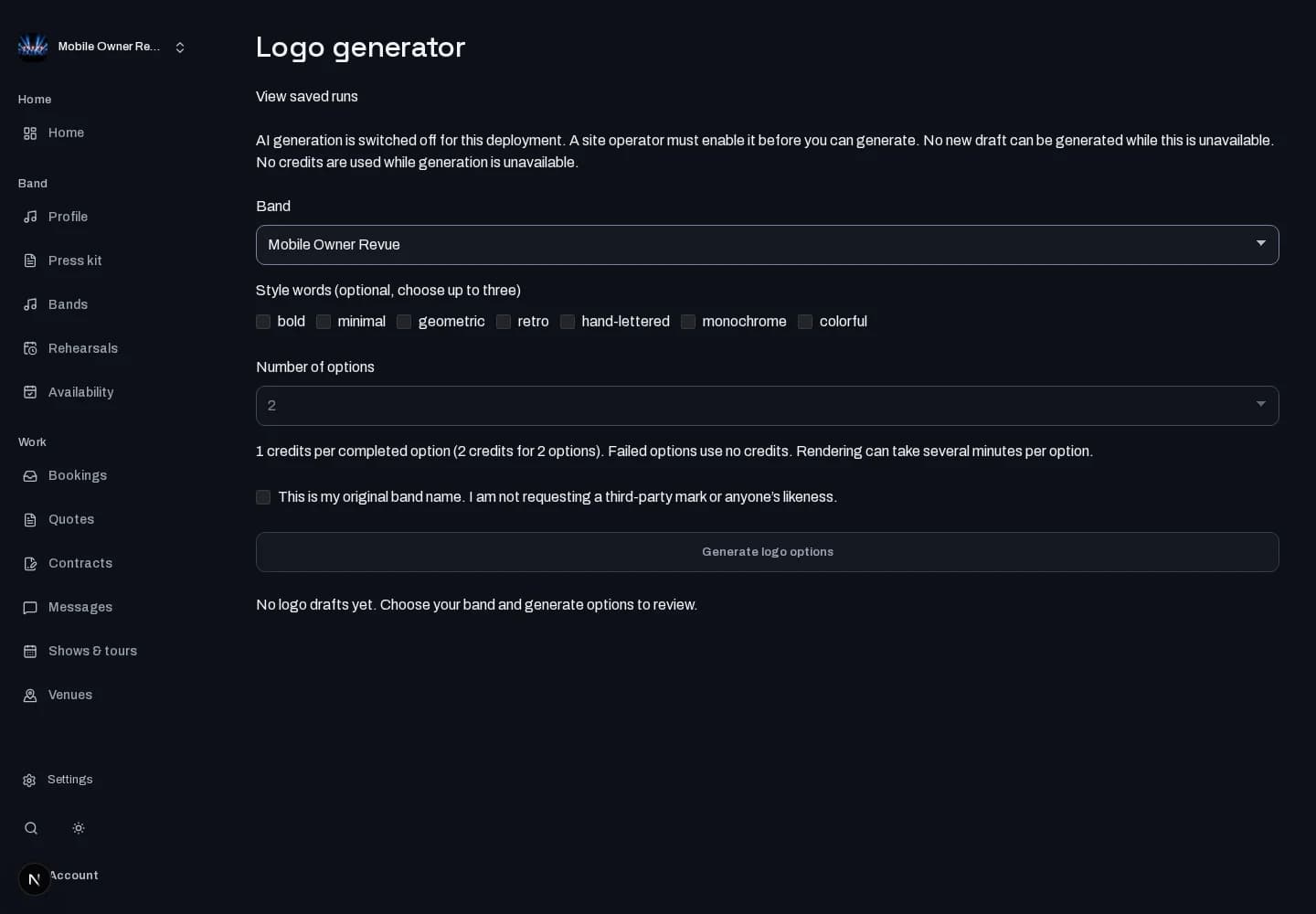
Explore original band-name artwork. Choose style directions, compare the generated options and approve one to add to band media.
Who it is for
For bands looking for a starting point for a wordmark using their own name.
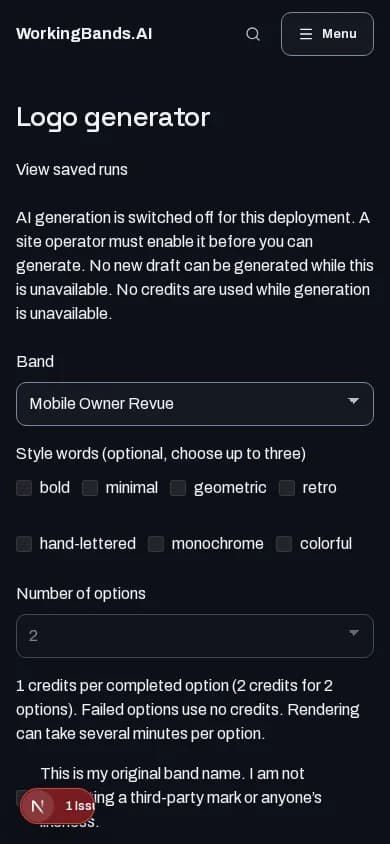
Inside the workspace
How to start
- Create your account or sign in. Open Logo generator from dashboard tools and select your band.
- Confirm the band-name requirements, choose the available style directions and review the options before adding one to media.
New here? Create your account. Already set up? Open the dashboard workspace.
Questions before you start
Can I request a copy of another band’s logo?
No. The tool accepts structured style choices for original band-name artwork, not requests for third-party marks or likenesses. Generation must be configured and available.
How do I get started?
Create your account or sign in. Open Logo generator from dashboard tools and select your band.