WorkingBands.AI features
Profile views
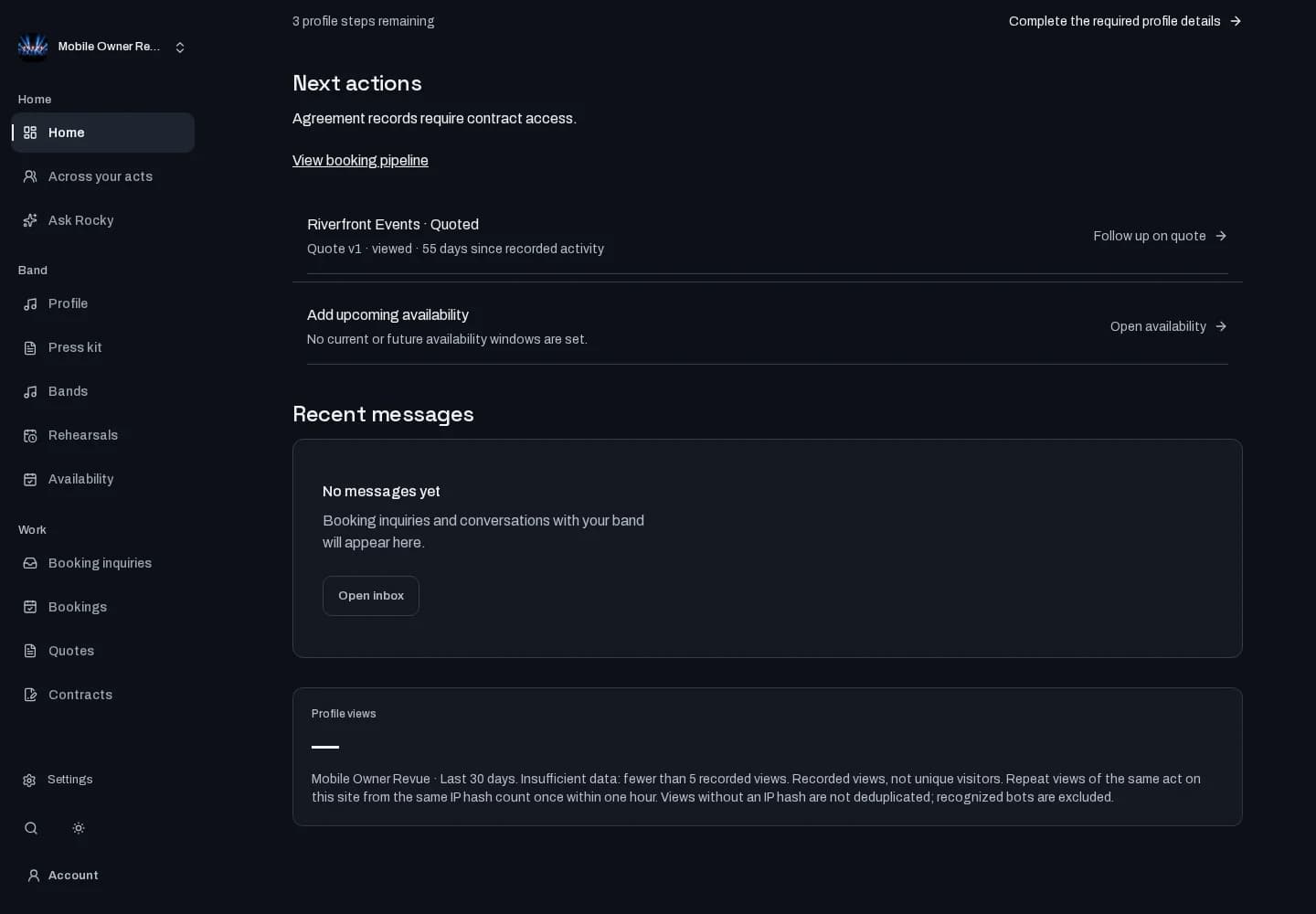
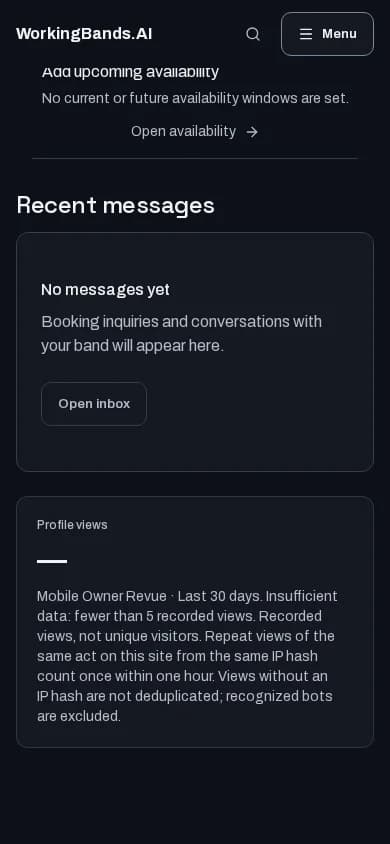
See recorded profile views from the last 30 days on your owner overview. Check one act or all your acts together.
Who it is for
For band owners checking activity on their public profiles.
Inside the workspace
2 real screens from the shipped tool
How to start
- Open your owner overview.
- Choose an act, or all your acts, and read the Profile views tile.
- Read the counting rules below the total. Fewer than 5 recorded views shows Insufficient data.
New here? Create your account. Already set up? Open the dashboard workspace.
Questions before you start
Are these unique visitors?
No. Repeat views of the same act on this site from the same IP hash count once within one hour. Views without an IP hash are not deduplicated; recognized bots are excluded.
What does Insufficient data mean?
Fewer than 5 views were recorded in the last 30 days. The tile withholds the count; missing activity is not proof that nobody saw your act elsewhere.