WorkingBands.ai features
Document locker
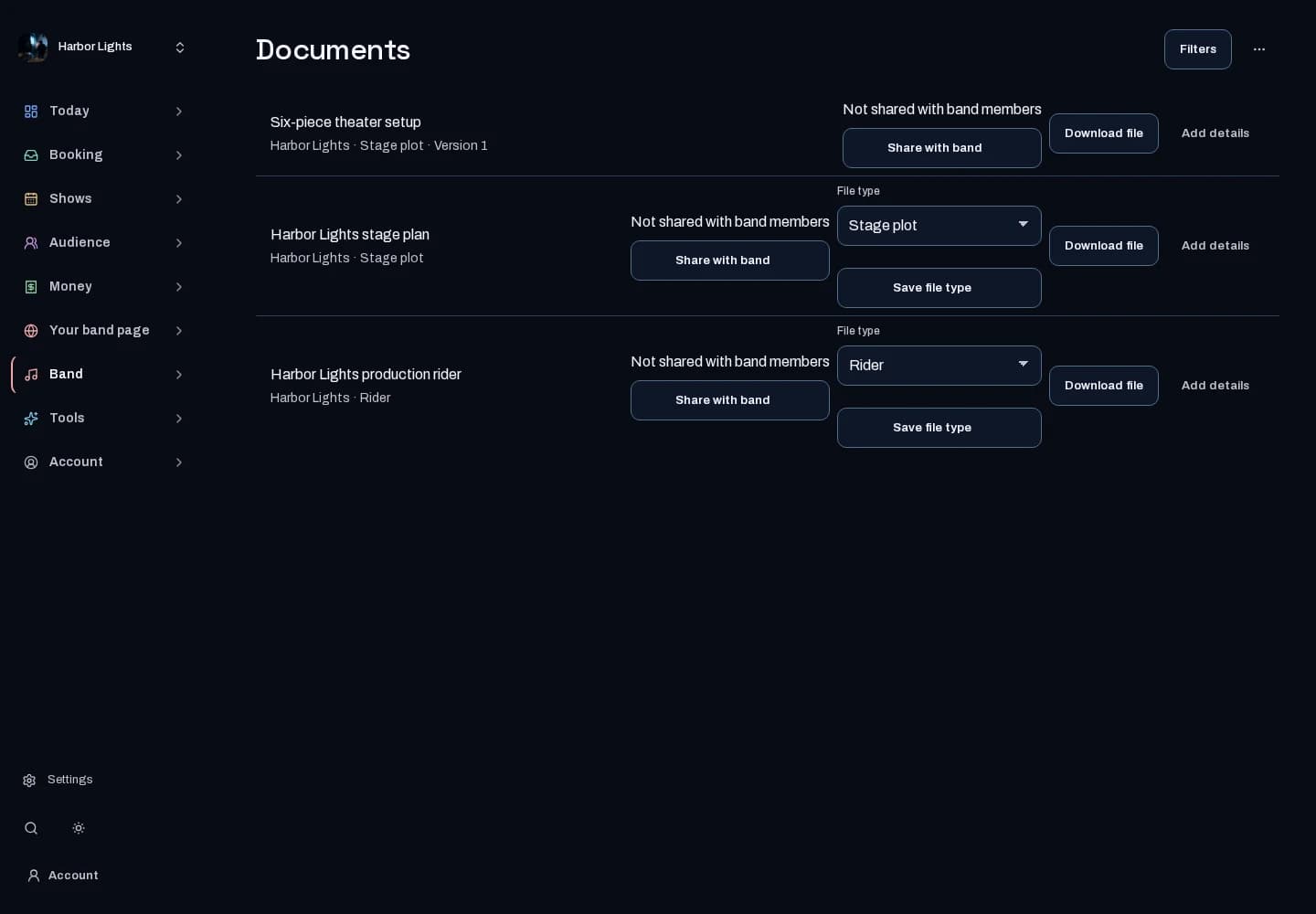
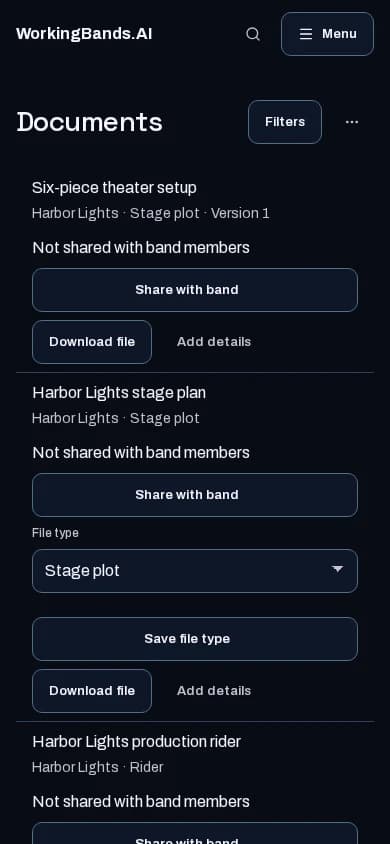
Organize the band files you need to find again. Keep document details and band or tour context together in the locker.
Who it is for
For bands managing operational files and show documents.
Inside the workspace
2 real screens from the tool
How to start
- Create your account or sign in. Open Documents in the dashboard and select the relevant band.
- Use the available filters and upload controls to keep files named and organized. Check access before sharing a document.
New here? Get your free EPK. Already set up? Open the dashboard workspace.
Questions before you start
Is every document publicly visible?
No. Locker access is permission-controlled and may require product access. Uploading an existing stage plot has its own free workspace.
How do I get started?
Create your account or sign in. Open Documents in the dashboard and select the relevant band.