WorkingBands.ai features
CRM
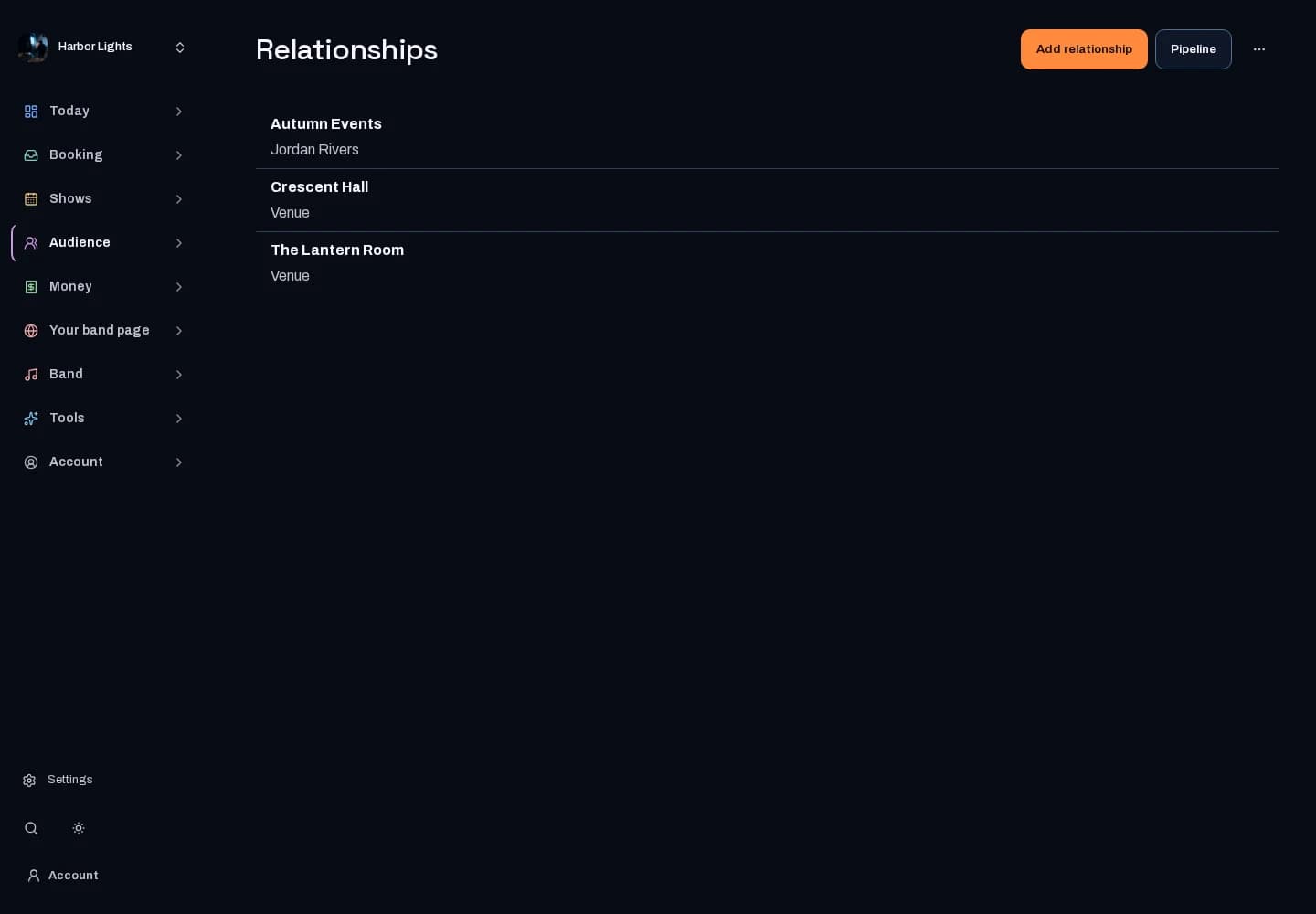
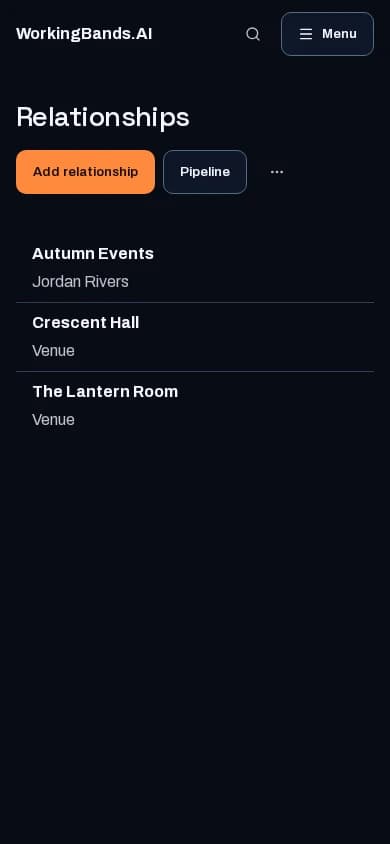
Keep booking relationships, opportunities and follow-up tasks together. Pick up a conversation with its saved context in view.
Who it is for
For bandleaders managing their booking pipeline.
Inside the workspace
2 real screens from the tool
How to start
- Create your account or sign in. Open CRM in the dashboard.
- Review organizations, opportunities, history and tasks. Keep the source details current before using them for a quote or follow-up.
New here? Get your free EPK. Already set up? Open the dashboard workspace.
Questions before you start
Does CRM access depend on my account?
Yes. The workspace enforces band access and configured product availability. It does not expose another band’s private relationship records.
How do I get started?
Create your account or sign in. Open CRM in the dashboard.