WorkingBands.ai features
Content Calendar
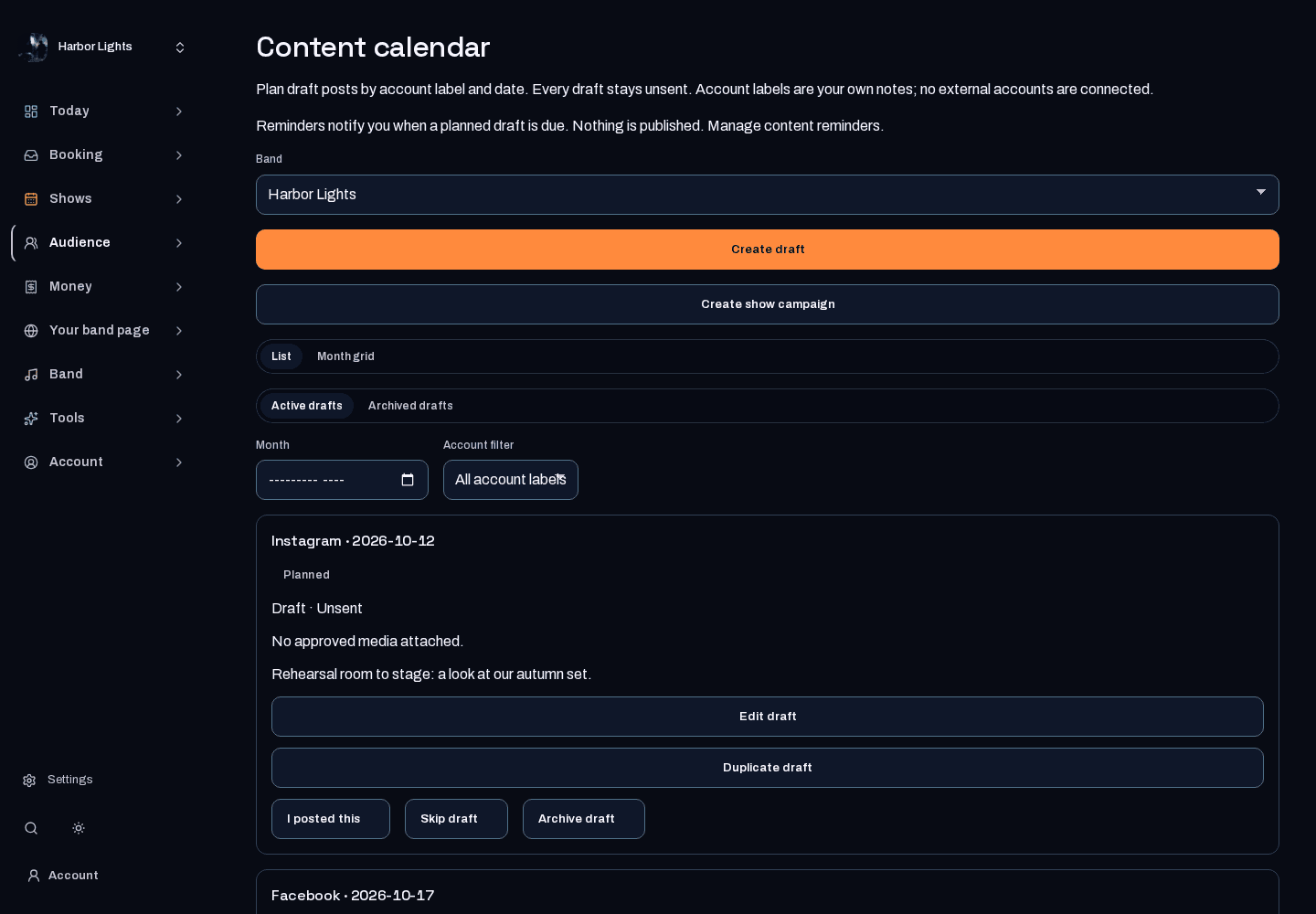
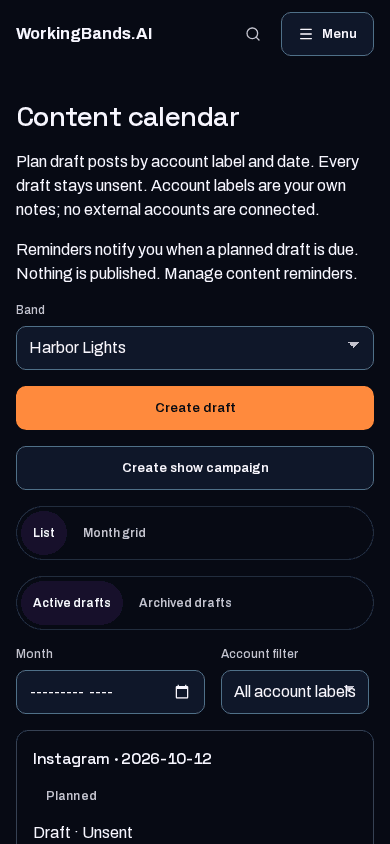
Plan unsent content drafts with account labels and dates. Write with AI drafts post text from your saved profile and confirmed show details for 1 credit; you review and edit it before saving. When Media Kit is available on your site, bring its approved artwork into your plan; connected social posting is not included.
Who it is for
For bandmates planning what to share around their next show.
Inside the workspace
2 real screens from the tool
How to start
- Open Content calendar and choose a band you manage.
- Save an account label, date and draft, or choose Write with AI to get 2–3 options from your saved profile and a confirmed show. Edit the one you like and save it. If Media Kit is available on your site, attach artwork you have approved there.
- Copy the text and publish through your own accounts. Saving a draft here does not post it.
New here? Get your free EPK. Already set up? Open the dashboard workspace.
Questions before you start
Does saving a draft post it to social media?
No. These are unsent planning drafts. No external social account is connected or posted to.
What does Write with AI use?
Only your saved band profile, your links, the confirmed show's date, venue and city, and anything you type in the note. Planning is free. Each generation uses 1 credit, and a failed generation is refunded. Nothing is saved until you choose an option, and nothing is ever posted for you.
Can I include Media Kit artwork?
Only when Media Kit is available on your site. Then you can attach its approved artwork to a planning draft. Generation requires a configured provider and your review before approval.