WorkingBands.ai features
Download On The Fly
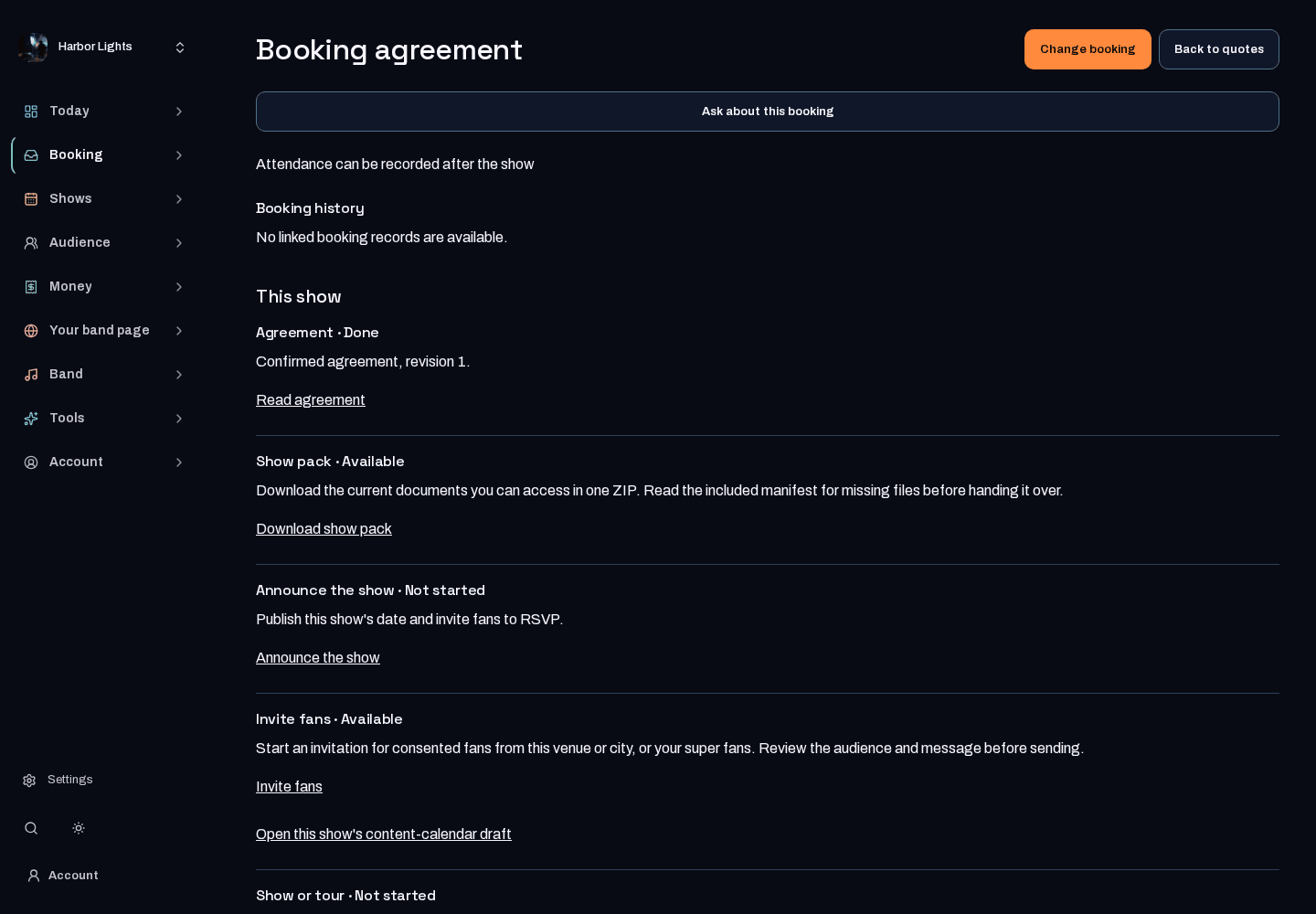
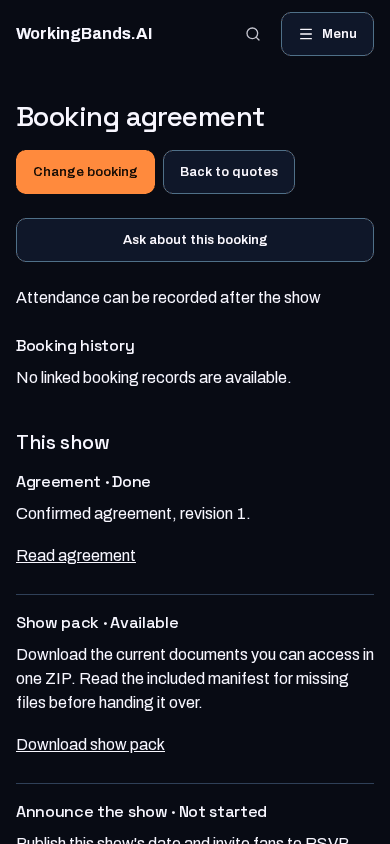
Hand over one show pack. See which documents are ready for a confirmed show, open the day sheet, download the full packet with a manifest that explains any missing files, and save it on your phone for the venue.
Who it is for
For bandleaders getting the gig-day paperwork ready to share.
Inside the workspace
2 real screens from the tool
How to start
- Open Bookings, choose a confirmed show, then choose Open show pack. Each document says whether it is ready, and a missing one says why and where to finish it.
- In the booking’s advance paperwork, select and save sharing for the approved stage-plot version for this show. This also makes that file available to the booking’s buyer.
- Open the day sheet, or download the full packet and read manifest.txt before handing it over. It lists included documents and explains missing files, access limits and unfinished exports.
- While you still have a connection, choose Save for offline use. That browser then opens the pack and its documents without signal.
New here? Get your free EPK. Already set up? Open the dashboard workspace.
Questions before you start
What is in the pack?
The published crew day sheet and event set list, band one-sheet, the approved stage-plot version selected in this booking’s advance paperwork (with its synced inputs), PDFs for linked signed contract versions, and a venue/day-of sheet with times in the venue’s time zone, where available to your account. Contract PDFs are administrative terms snapshots, not executed signature records.
Why might a file be missing?
The show pack names each document that is not created or published yet, restricted access, missing signed versions, incomplete stage-plot verification, rendering failures and download limits. Downloads are limited to 20 documents and 32 MiB of document content.
Does it send anything?
No. Nothing is emailed or shared from the show pack. You download it and hand it over yourself. The crew day sheet can list crew phone numbers and emergency contacts, so share it only with that crew.
How does it work without signal?
Choose Save for offline use on the show pack while connected. That browser keeps the page, every ready document and the full packet, and opens them without a connection. Save again to pick up later changes. Signing out removes the saved copy; files you downloaded stay in your downloads.