WorkingBands.AI features
Stage plot generator
Give the sound crew a clear starting point. Keep a source photo or PDF with your band's structured stage and technical details, then review the version you intend to share.
Who it is for
For bandleaders preparing a venue advance and musicians keeping stage positions, inputs and monitoring needs together.
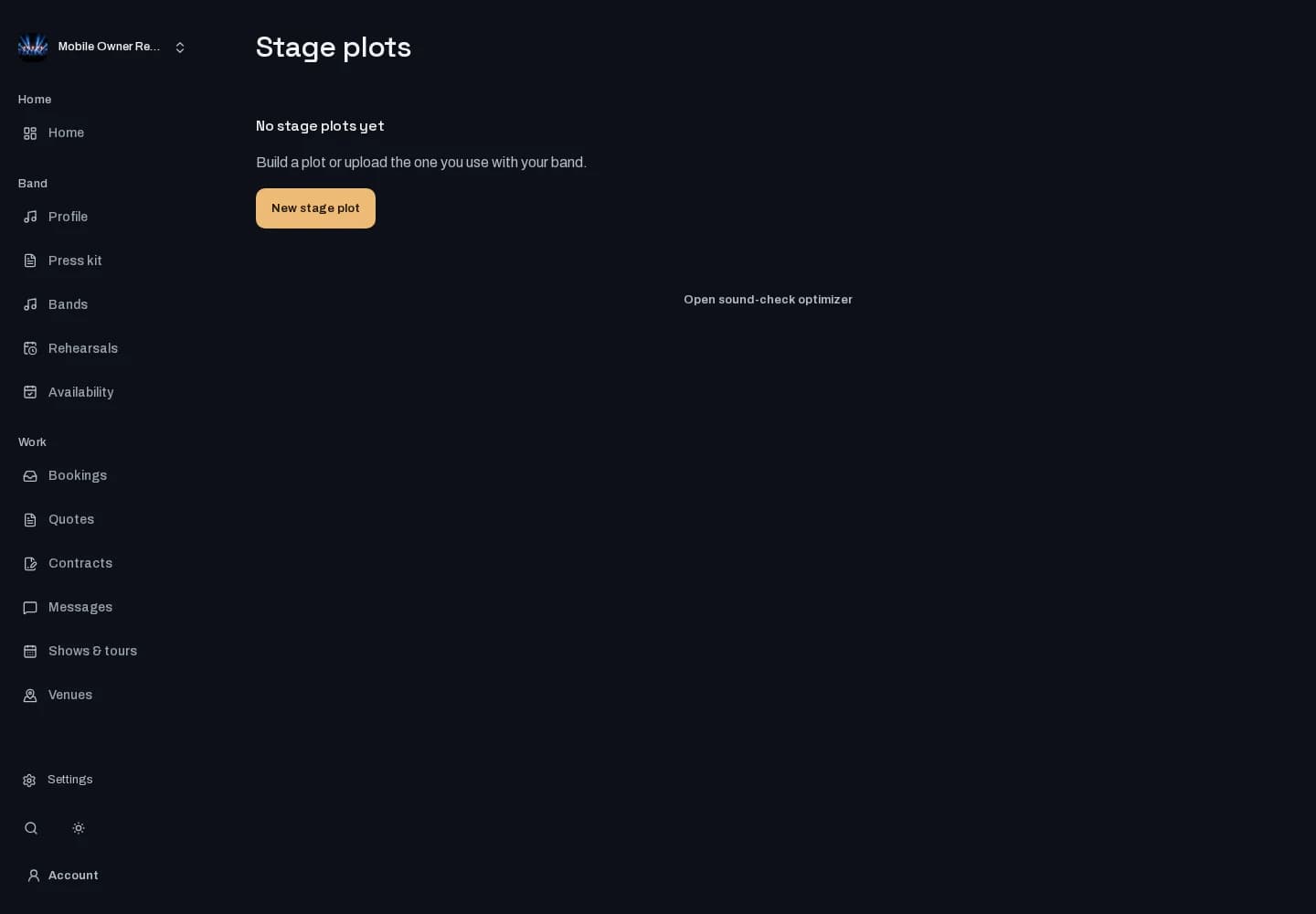
Inside the workspace
How to start
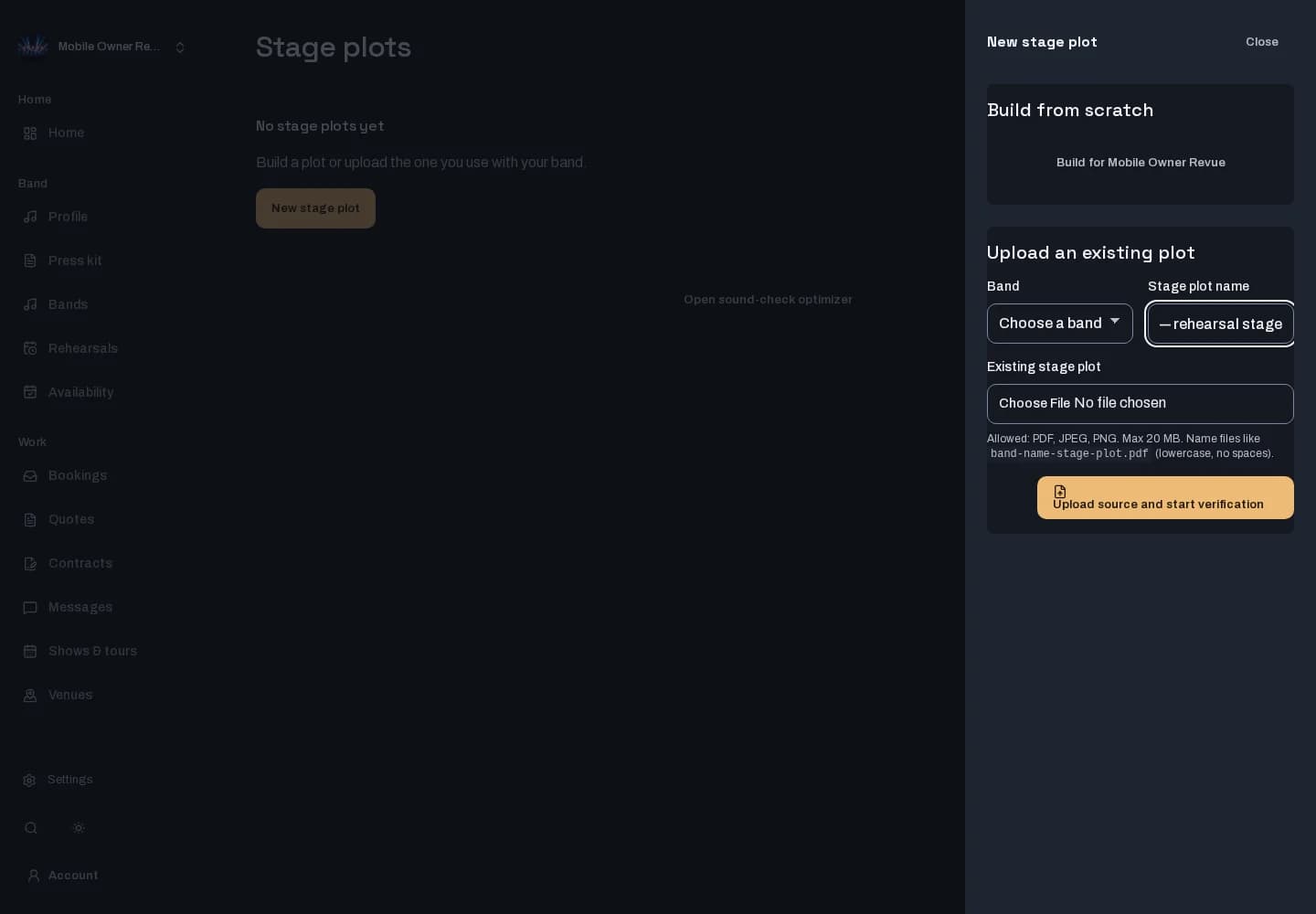
- Sign in and open Stage plots. Choose a band you can manage and give your project a recognizable name.
- Save a source photo or PDF and enter your technical details. Review extracted information yourself when extraction is configured.
- Check the version's technical and visual details before approving it for sharing. Provider-based rendering and sound-check generation depend on configuration.
New here? Create your account. Already set up? Open the dashboard workspace.
Questions before you start
Can I start from an existing stage plot?
Yes. Save a source photo or PDF with your project and enter structured technical details alongside it.
Is automatic extraction always available?
No. Extraction and provider-based visual rendering require configured providers. The workspace shows availability; review the technical details yourself before sharing.
Where do I keep my input list?
Input details live in the same stage-plot workspace, so you can review the channel information alongside the stage setup.