WorkingBands.ai features
Set lists
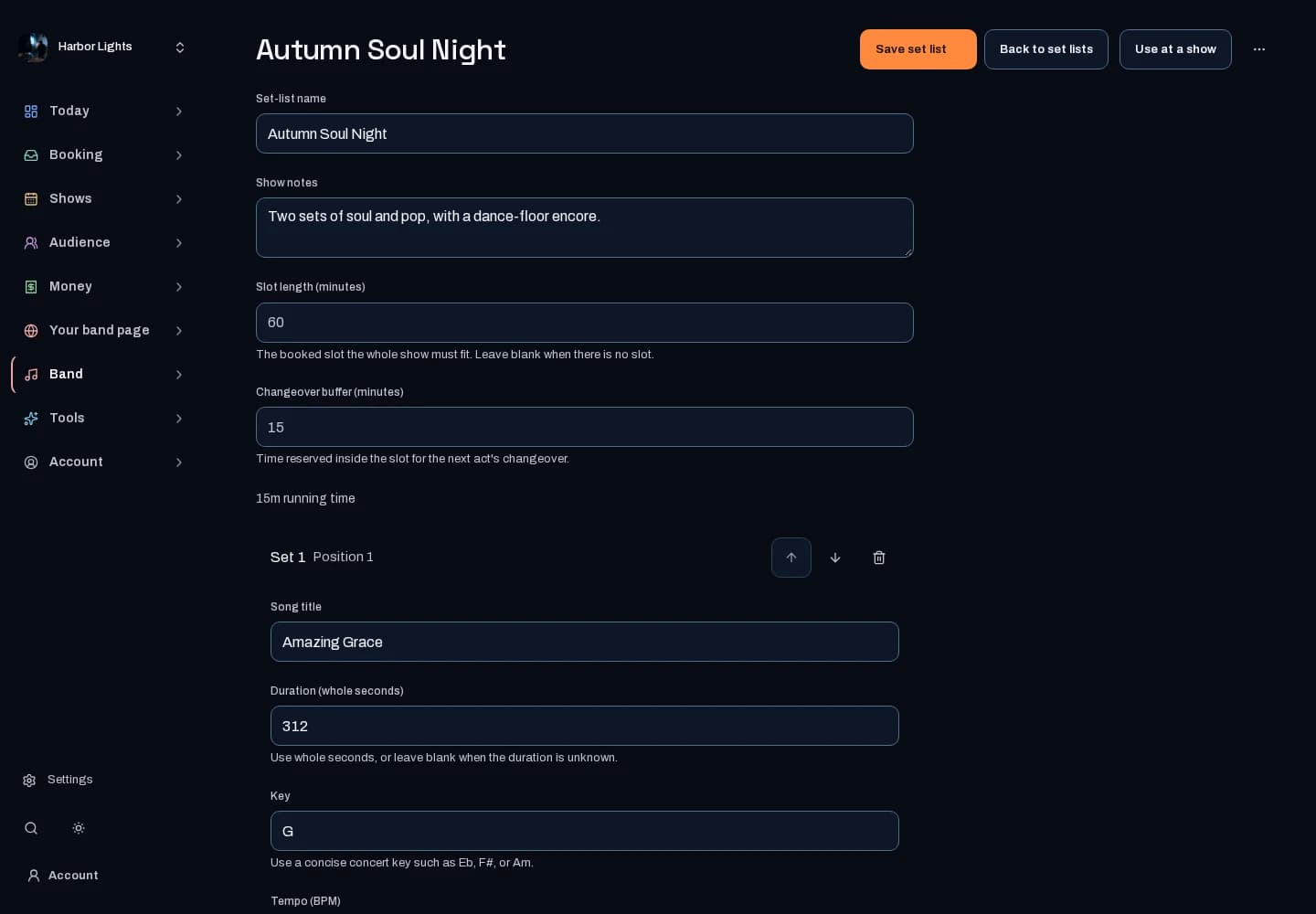
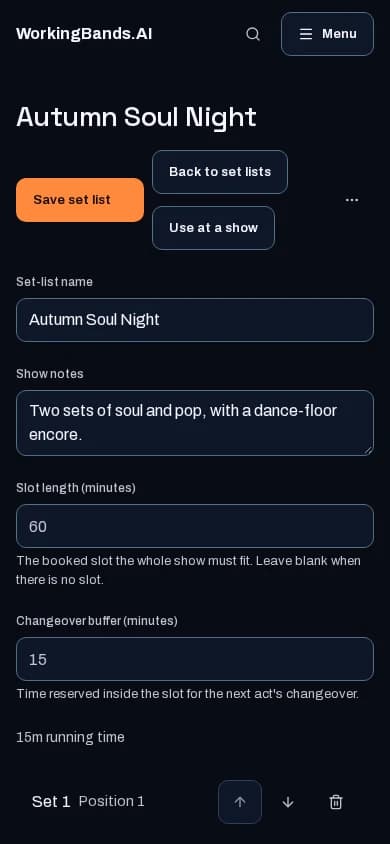
Walk into rehearsal with the songs in order. Build reusable set lists, keep timing and performance notes with each song, and adjust the sequence for the show.
Who it is for
For bandleaders planning a set and bandmates who need the running order, keys, tempos and transitions in one place.
Inside the workspace
2 real screens from the tool
How to start
- Create your account or sign in. Open Bands, choose the band you manage, then open Set lists.
- Choose Create set list, name the show and paste your songs, one per line or straight from a spreadsheet. Check the table, then create the list in one step. You can also pick songs from your song library and edit the order, timing, keys, tempos and notes.
- Save the reusable list, use it at a show, or open stage mode. Choose which set list and songs appear on your public profile.
New here? Get your free EPK. Already set up? Open the dashboard workspace.
Questions before you start
Do I need AI to make a set list?
No. Paste your own list or choose songs from your song library, arrange the order and save. AI generation is a separate tool with its own availability.
Can I use stage mode offline?
On a supported browser over HTTPS, save the show for offline use while connected. Reopen and test it in airplane mode before the gig. Signing out removes saved stage views from that browser; downloaded PDFs and ZIPs remain on your device.
Can I reuse a list for another show?
Yes. Copy a saved list and customize the copy while keeping the original.
Will every song be public?
No. You choose the set list for your EPK and public profile and can keep individual songs private.