WorkingBands.AI features
Press copy
Turn your band’s source material into headlines, short and longer bios, About copy, taglines and introductions you can review.
Who it is for
For bands refreshing the words on an EPK or preparing a concise introduction.
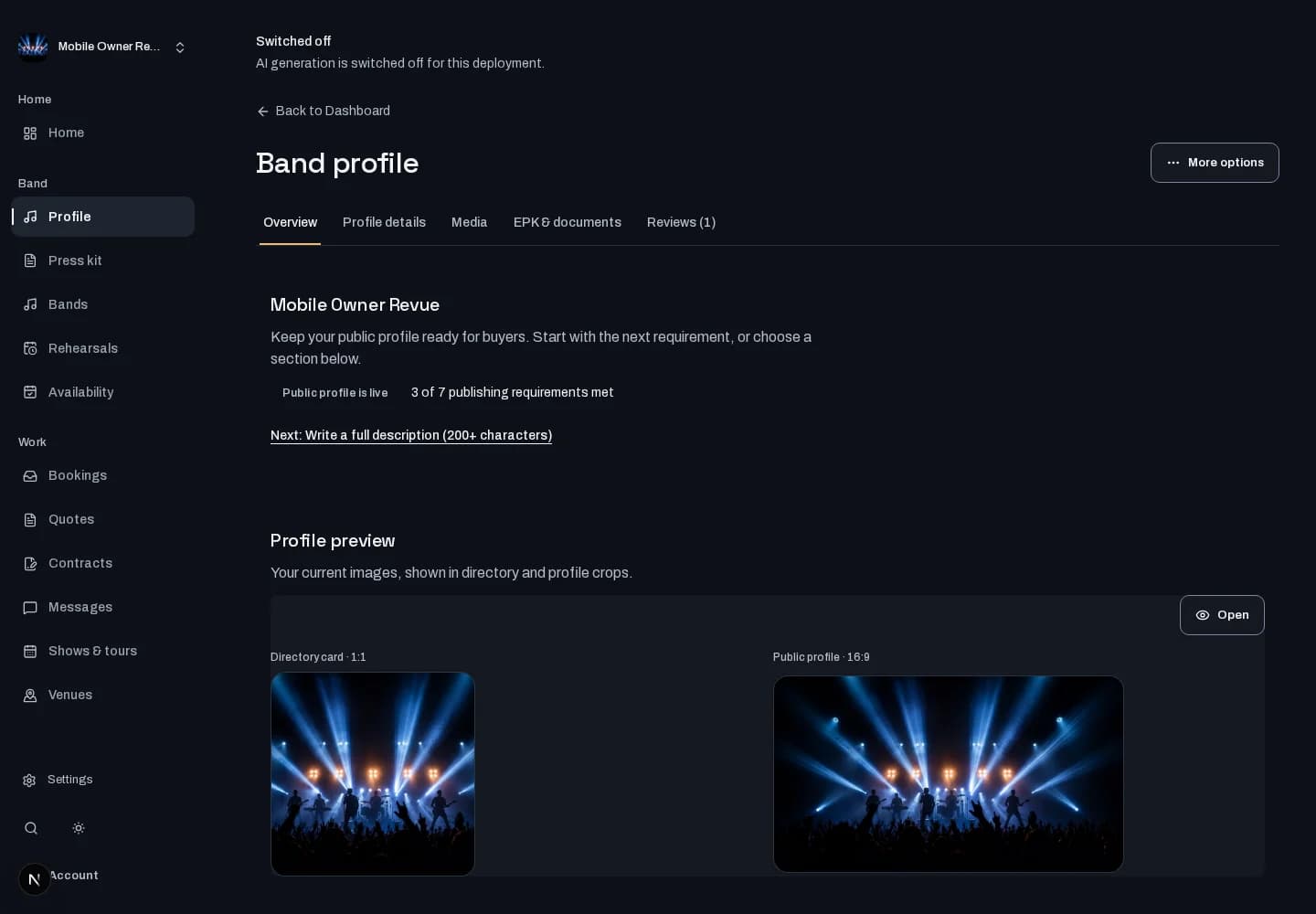
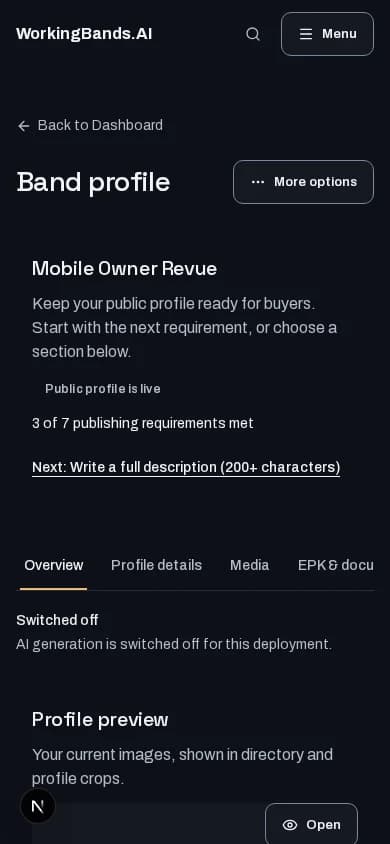
Inside the workspace
How to start
- Create your account or sign in. Open Bands, choose your band and open its profile editor.
- Provide accurate band details, use the available copy-generation action and review the draft before saving changes.
New here? Create your account. Already set up? Open the dashboard workspace.
Questions before you start
Does this verify the claims in my bio?
No. Check names, credits and every claim before saving. Generated copy is a draft based on your source material, and generation depends on workspace availability.
How do I get started?
Create your account or sign in. Open Bands, choose your band and open its profile editor.