WorkingBands.AI features
Hero image builder
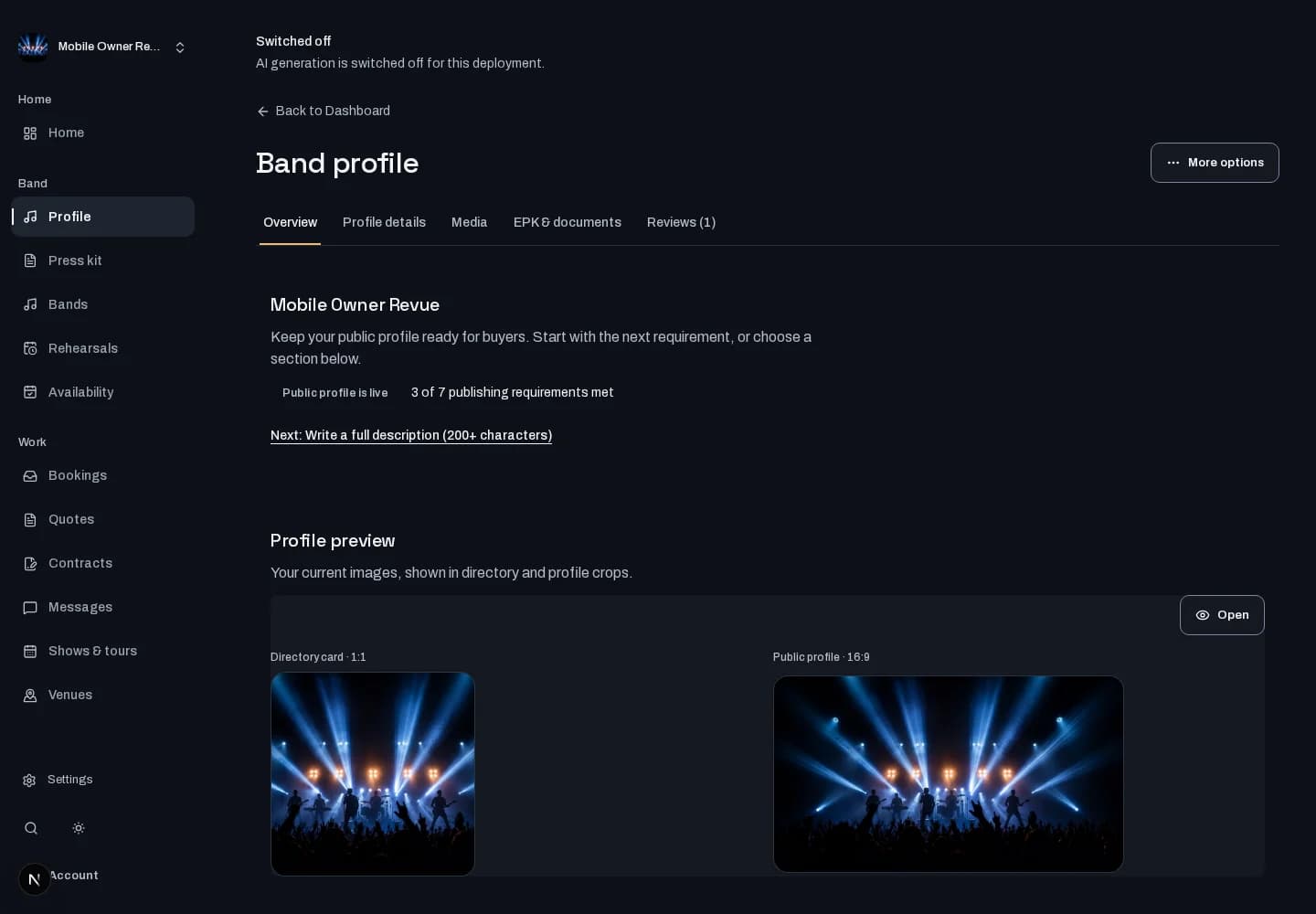
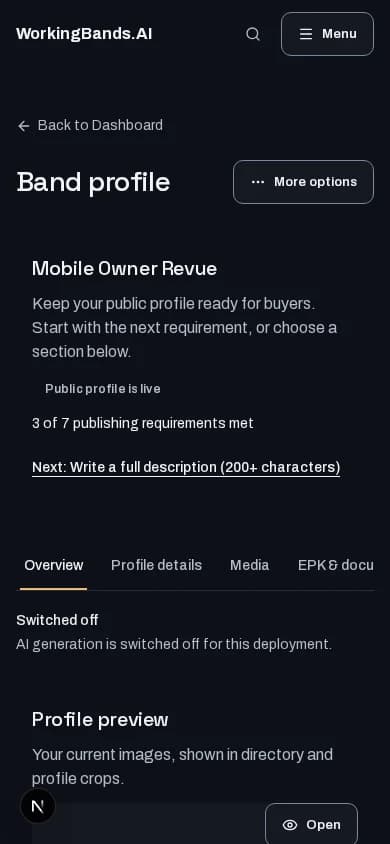
Prepare your profile’s lead image from your band photo and logo. Review image corrections or resizing before accepting a replacement.
Who it is for
For bands giving their public profile a clear visual introduction.
Inside the workspace
How to start
- Create your account or sign in. Open Bands, choose your band and open the profile editor’s media section.
- Use the band photo and logo you have rights to use. Review the available image options and accept the version you intend to publish.
New here? Create your account. Already set up? Open the dashboard workspace.
Questions before you start
Does this create social videos or a performer avatar?
No. This is profile-image work. It does not create a social clip or impersonate a performer. Image-generation options depend on configuration.
How do I get started?
Create your account or sign in. Open Bands, choose your band and open the profile editor’s media section.