WorkingBands.AI features
QR codes
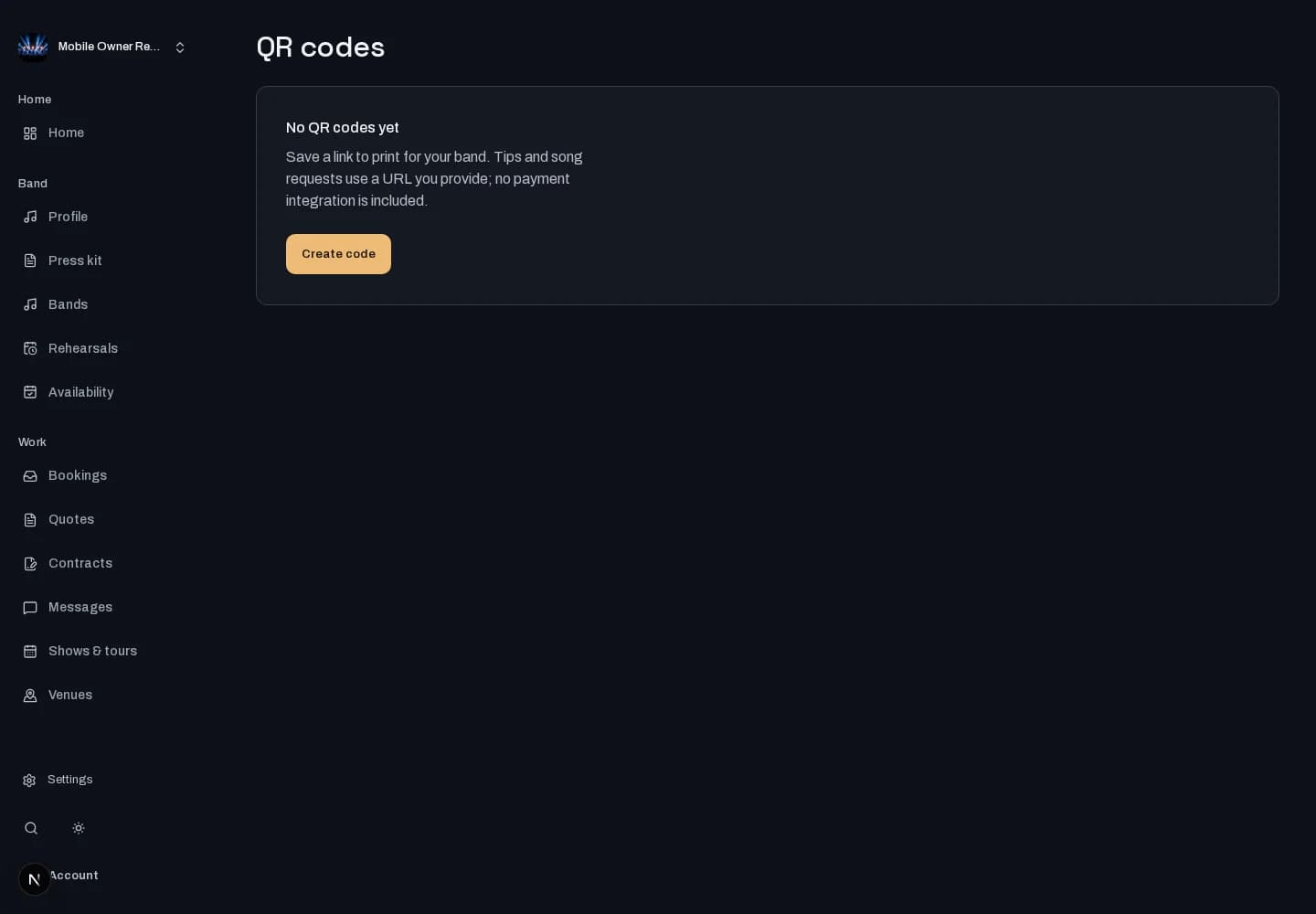
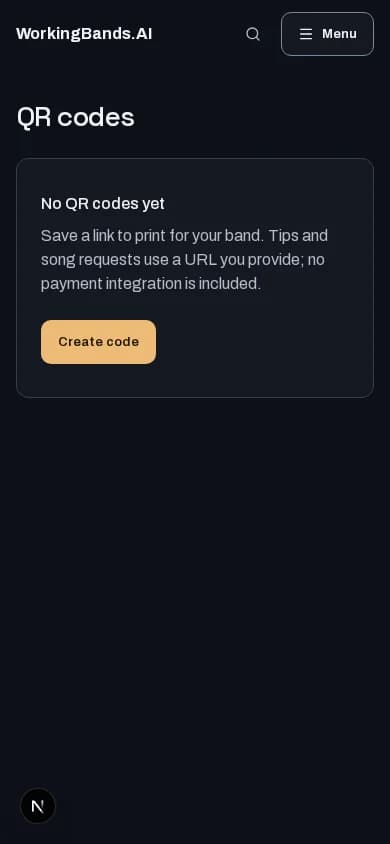
Make your next scan useful. Save QR codes for a tipping page, song requests, your EPK or another web link, then download or print them.
Who it is for
For bands putting a clear link on a merch table, stage sign or handout.
Inside the workspace
How to start
- Create your account or sign in. Open QR codes from dashboard tools and choose your band.
- Name the code, choose its purpose and enter your destination URL. Save it, then download SVG or PNG or print it.
New here? Create your account. Already set up? Open the dashboard workspace.
Questions before you start
Does a tipping QR code collect payments here?
The code points to the web page you supply. It does not create a payment account or move money. Check the destination yourself before printing.
How do I get started?
Create your account or sign in. Open QR codes from dashboard tools and choose your band.