WorkingBands.AI features
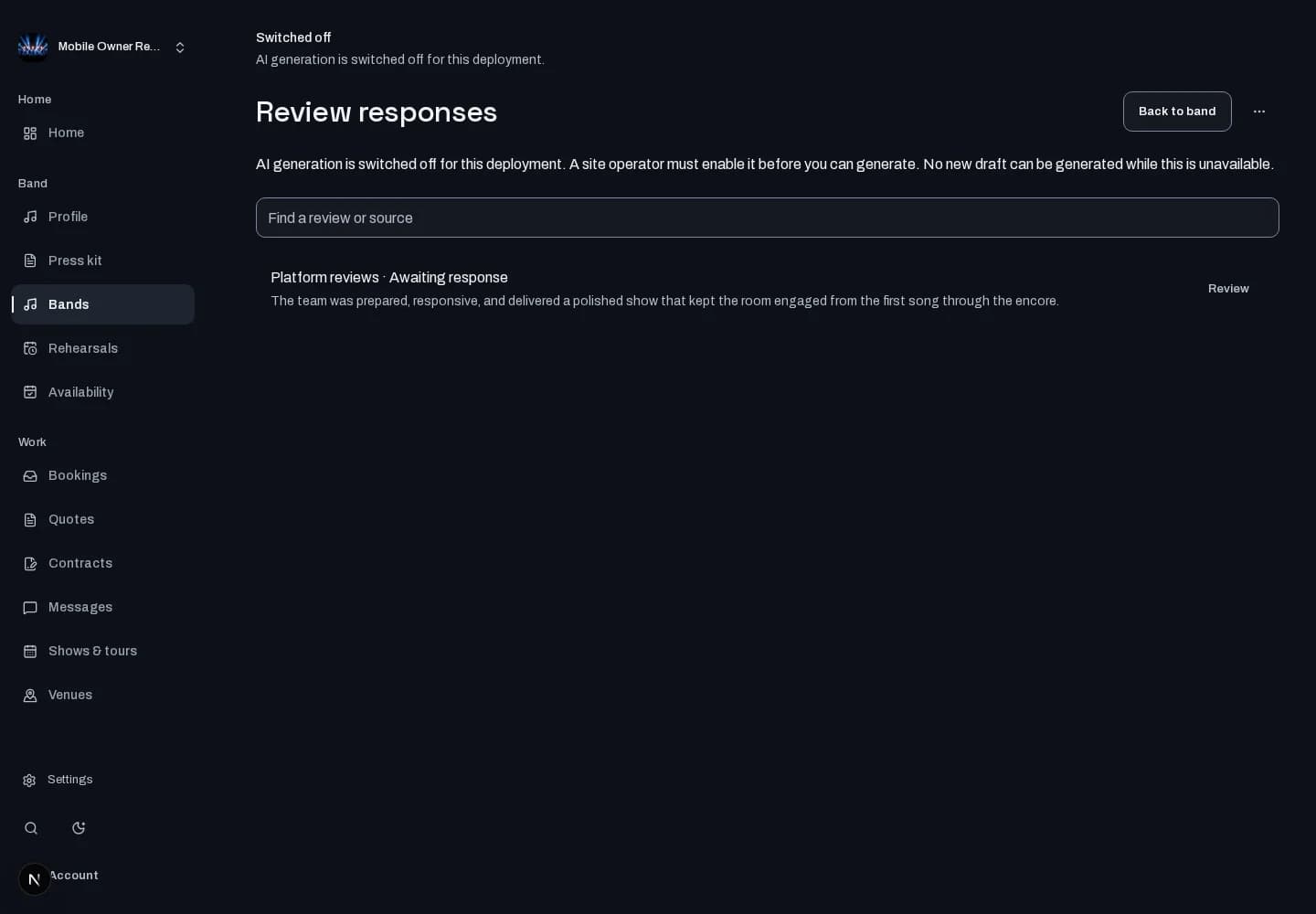
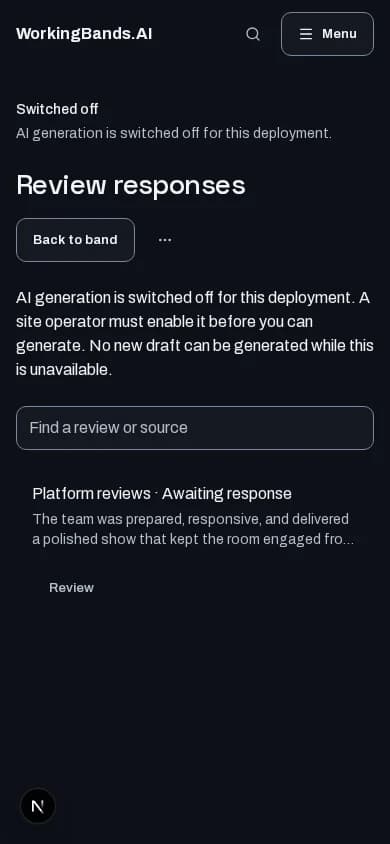
Review responses
Read supported published reviews and work on a reply. Edit and approve your response before it goes public.
Who it is for
For bands responding thoughtfully to reviews tied to their profile.
Inside the workspace
How to start
- Create your account or sign in. Open Bands, choose your band and open Review responses.
- Select a review, draft a response when generation is available and check the wording before explicitly approving publication.
New here? Create your account. Already set up? Open the dashboard workspace.
Questions before you start
Does it monitor every review website?
No. It works with supported published reviews available in the workspace. It does not promise to collect every review on the web.
How do I get started?
Create your account or sign in. Open Bands, choose your band and open Review responses.