WorkingBands.AI features
Rider generator
Put your stage and hospitality needs in a working rider. Draft from the band and show facts on file, review each section and approve the version you want to keep.
Who it is for
For bandleaders advancing a show with the venue and production crew.
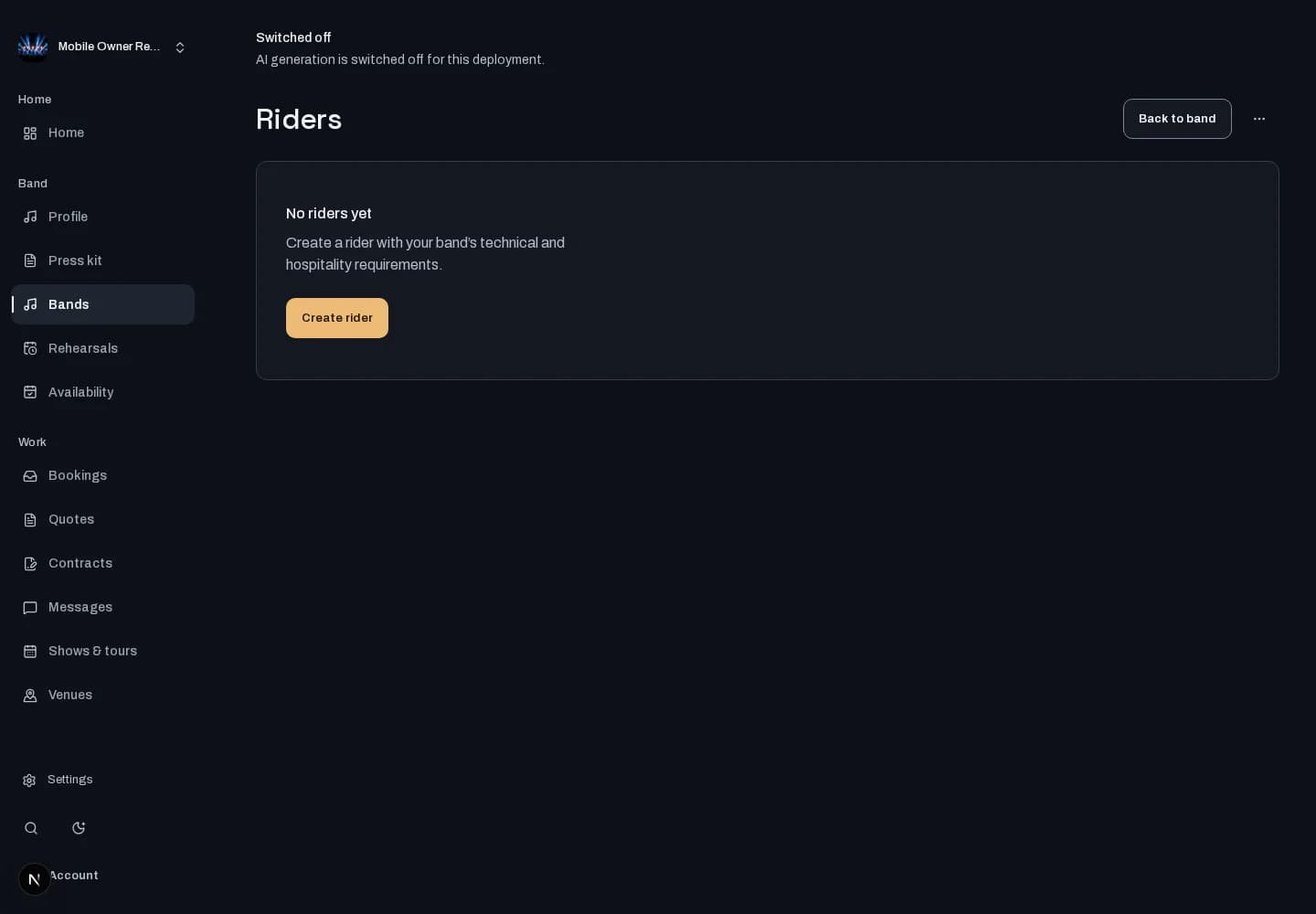
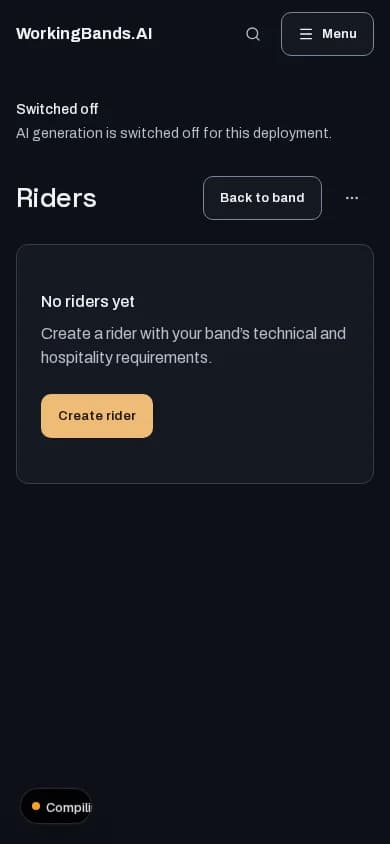
Inside the workspace
How to start
- Create your account or sign in. Open Bands, choose your band and open Riders.
- Review technical and hospitality sections, resolve missing details and approve the version you intend to share.
New here? Create your account. Already set up? Open the dashboard workspace.
Questions before you start
Does a generated rider go straight to the venue?
No. Generation creates a working draft for review. Check the facts and missing venue specifications before approving a version. Generation and PDF rendering depend on configuration.
How do I get started?
Create your account or sign in. Open Bands, choose your band and open Riders.