WorkingBands.AI features
Set list builder
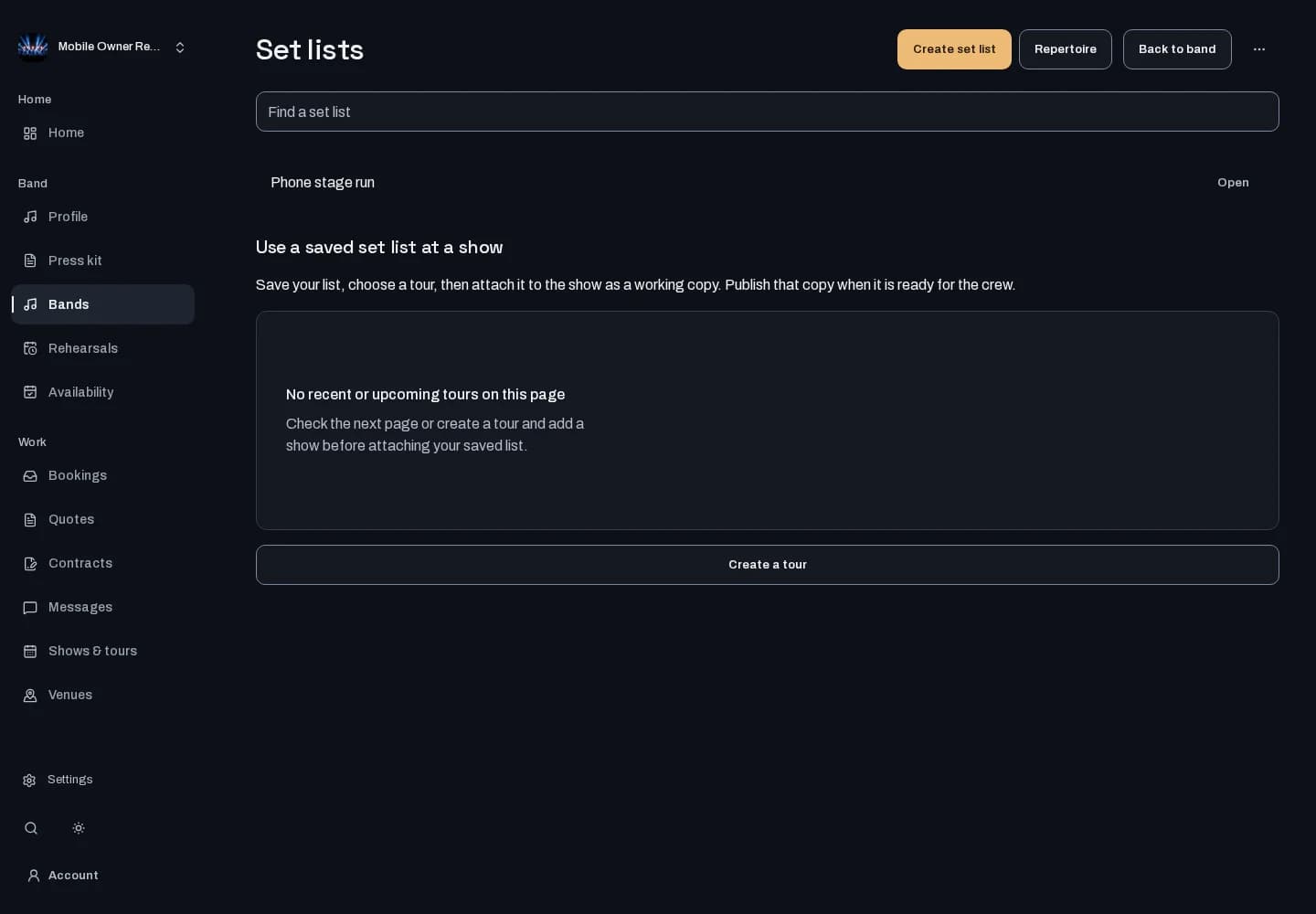
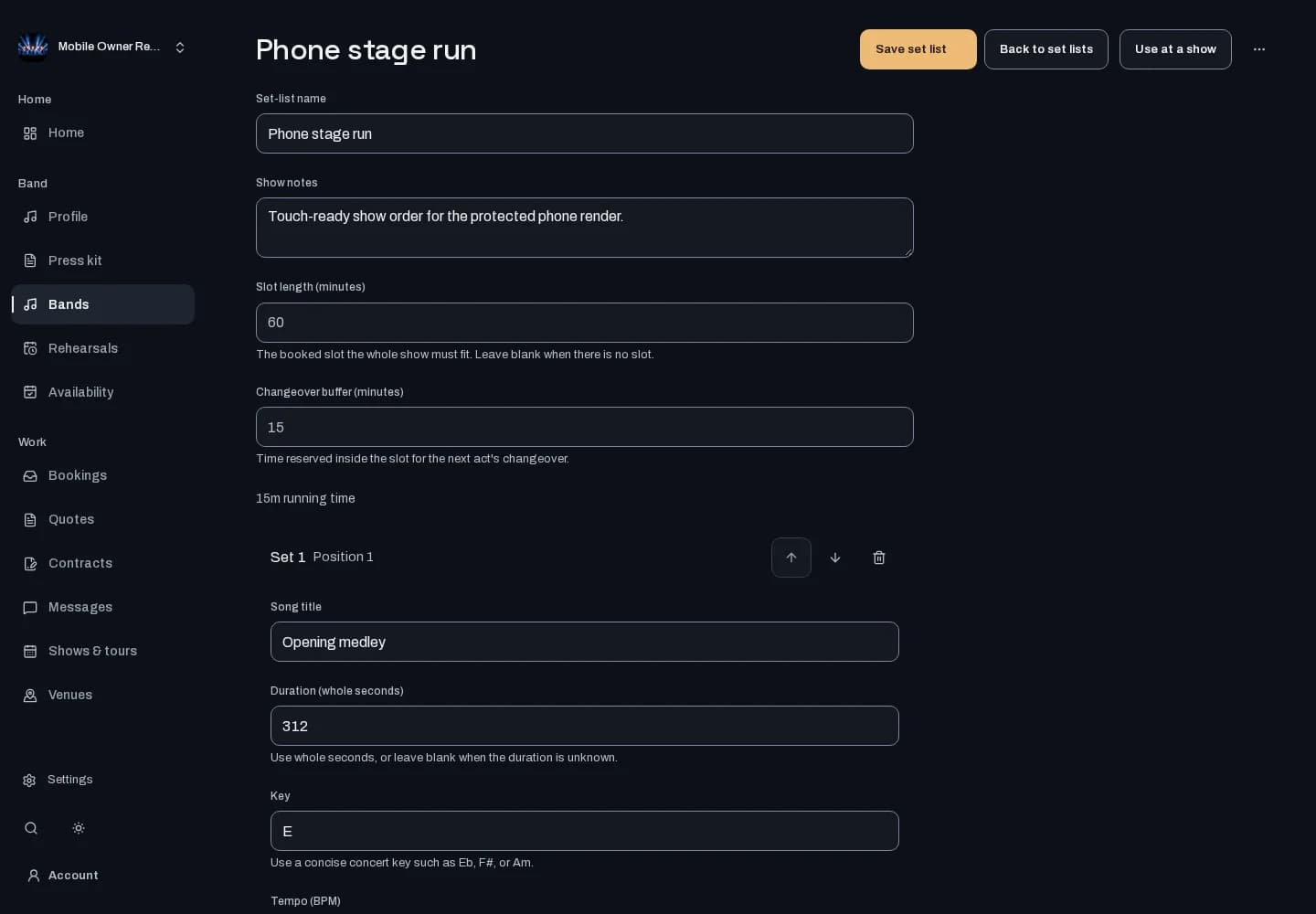
Walk into rehearsal with the songs in order. Build reusable set lists, keep timing and performance notes with each song, and adjust the sequence for the show.
Who it is for
For bandleaders planning a set and bandmates who need the running order, keys, tempos and transitions in one place.
Inside the workspace
How to start
- Create your account or sign in. Open Bands, choose the band you manage, then open Set lists.
- Create a list or open an existing one. Add songs from your repertoire and edit the order, timing, keys, tempos and notes.
- Save the reusable list. When generation is available, review its suggested sequence before explicitly saving it. Choose which set list and songs appear on your public profile.
New here? Create your account. Already set up? Open the dashboard workspace.
Questions before you start
Does generating a set list save it automatically?
No. Review the proposed sequence, reorder or edit it, then explicitly save the draft you want to keep. Generation depends on availability in your workspace.
Can I reuse a list for another show?
Yes. Copy a saved list and customize the copy while keeping the original.
Will every song be public?
No. You choose the set list for your EPK and public profile and can keep individual songs private.