WorkingBands.AI features
Stem splitter
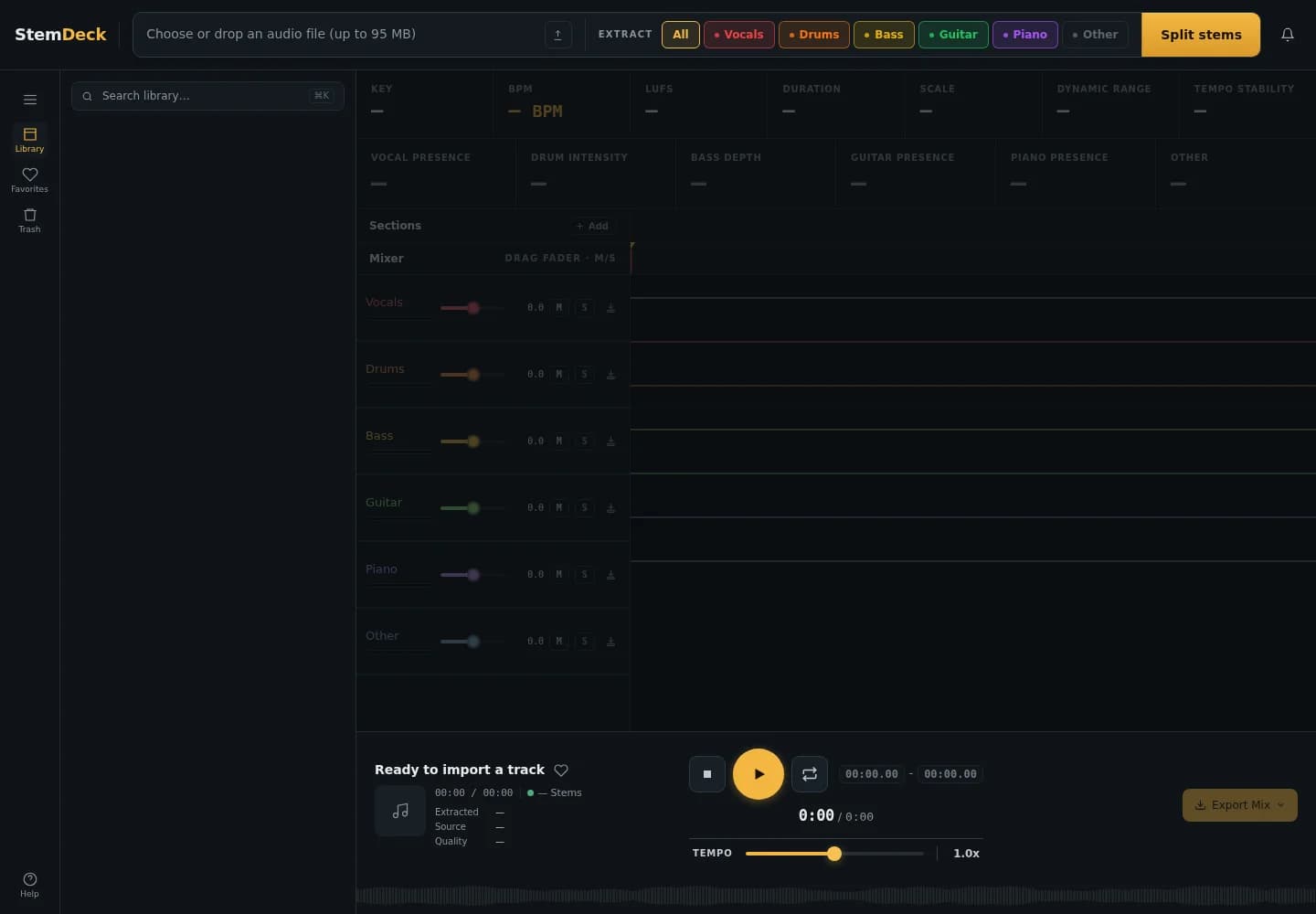
Hear the part you need to learn. Separate an uploaded recording into vocals, drums, bass and other stems in the hosted StemDeck workspace.
Who it is for
For singers learning a harmony, drummers checking a groove and bandmates working through their own recordings before rehearsal.
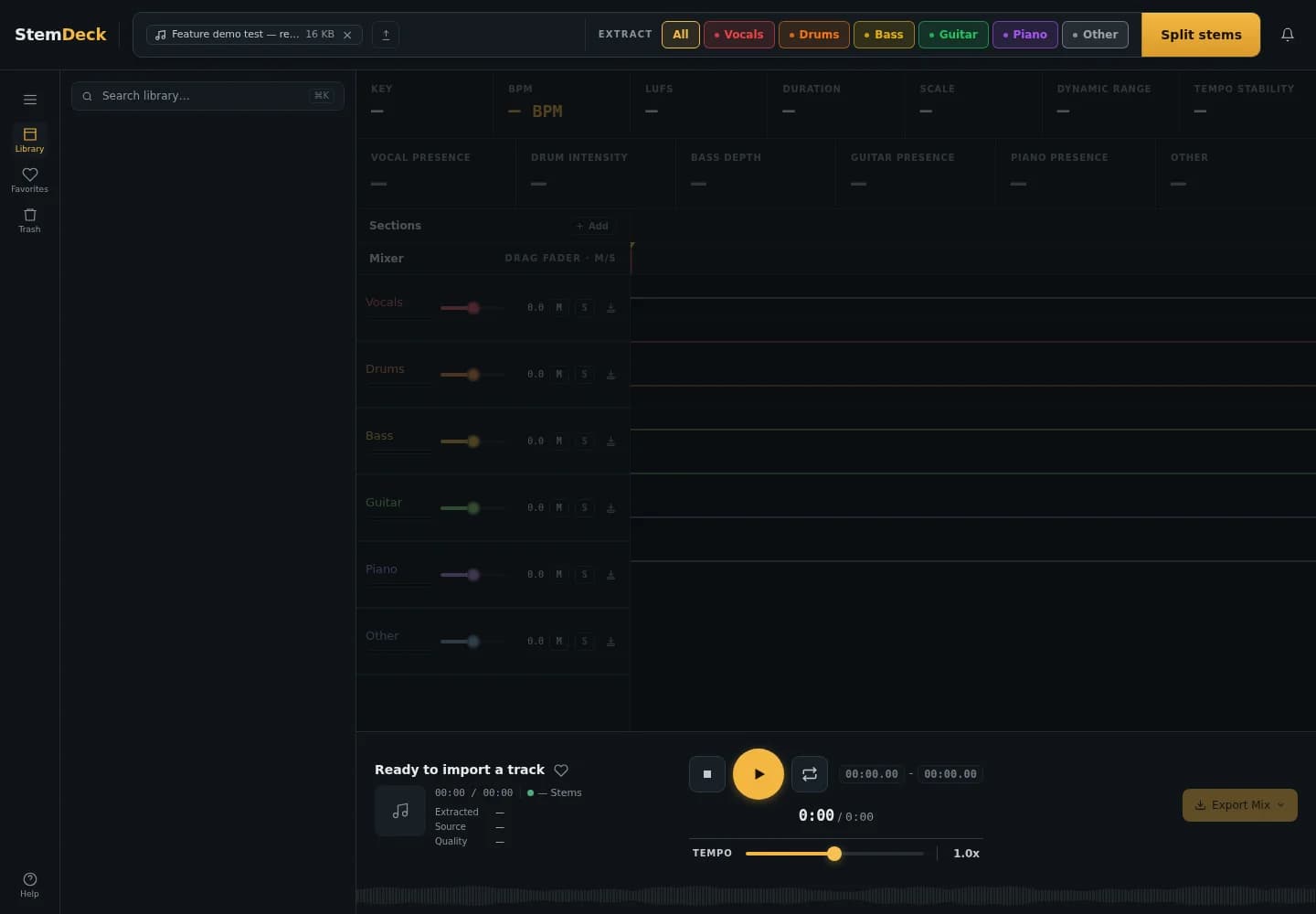
Inside the workspace
How to start
- Create your account or sign in, then open Stem splitter from your dashboard tools. The tool must be enabled for your site.
- Upload audio you own or have permission to process. Only uploaded audio you have the right to use is accepted; remote links are not an input.
- Use the hosted workspace to separate your recording and listen to the parts. Download the outputs you want to keep before retention cleanup.
New here? Create your account. Already set up? Open the dashboard workspace.
Questions before you start
Can I paste a YouTube or streaming link?
No. The hosted splitter accepts uploaded audio only. Upload only recordings you own or have permission to process.
Does it write new parts for my band?
No. It separates parts from the recording you upload. It does not write an arrangement or guarantee a perfectly isolated performance.
How long are my recordings kept?
Uploaded media and generated outputs are scheduled for automatic deletion after 24 hours and are normally removed by the next hourly sweep. Download what you need. Browser-local metadata and preferences remain until you clear them in StemDeck or your browser.