WorkingBands.AI features
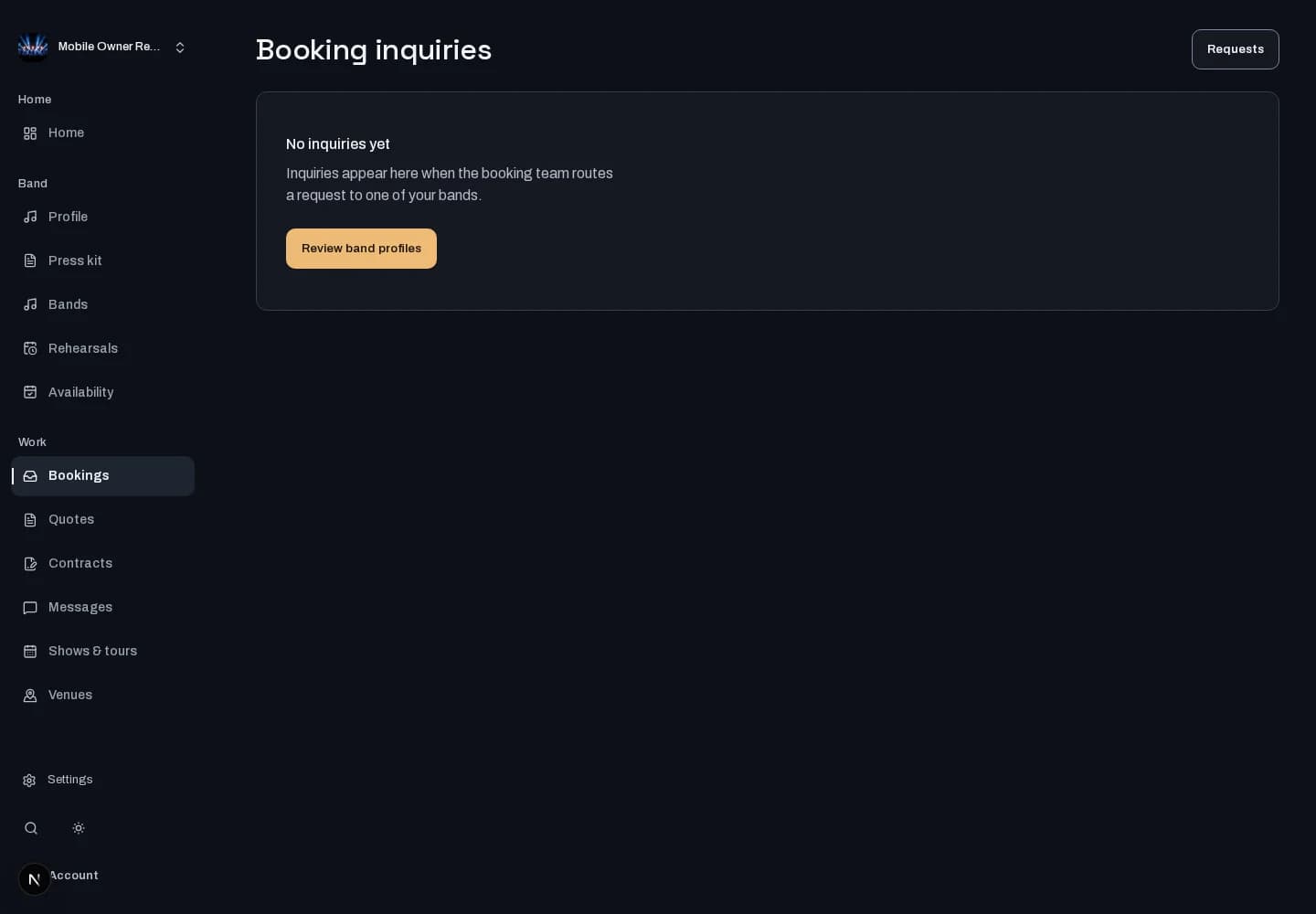
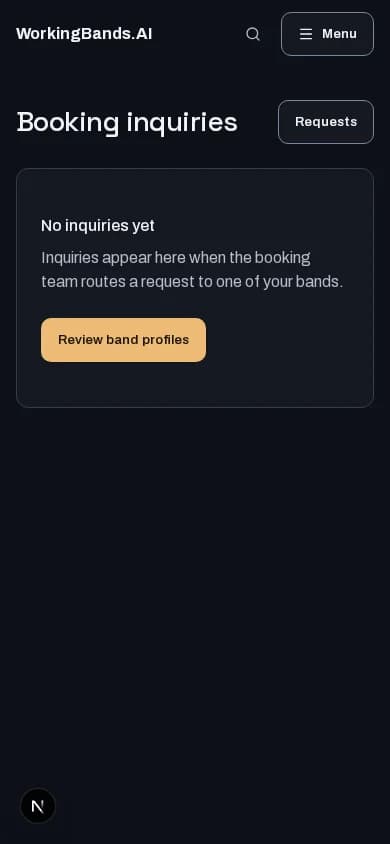
Booking inquiries
Read incoming booking inquiries in the owner workspace. Keep the request context in view when preparing your reply.
Who it is for
For bands reviewing requests and coordinating their response.
Inside the workspace
2 real screens from the shipped tool
How to start
- Create your account or sign in. Open Booking inquiries in the dashboard.
- Choose the inquiry, review the requested event details and use the available response workflow.
New here? Create your account. Already set up? Open the dashboard workspace.
Questions before you start
Does an inquiry mean the show is booked?
No. An inquiry starts a conversation. Review the booking and quote status before treating an event as confirmed.
How do I get started?
Create your account or sign in. Open Booking inquiries in the dashboard.