WorkingBands.ai features
Invoices
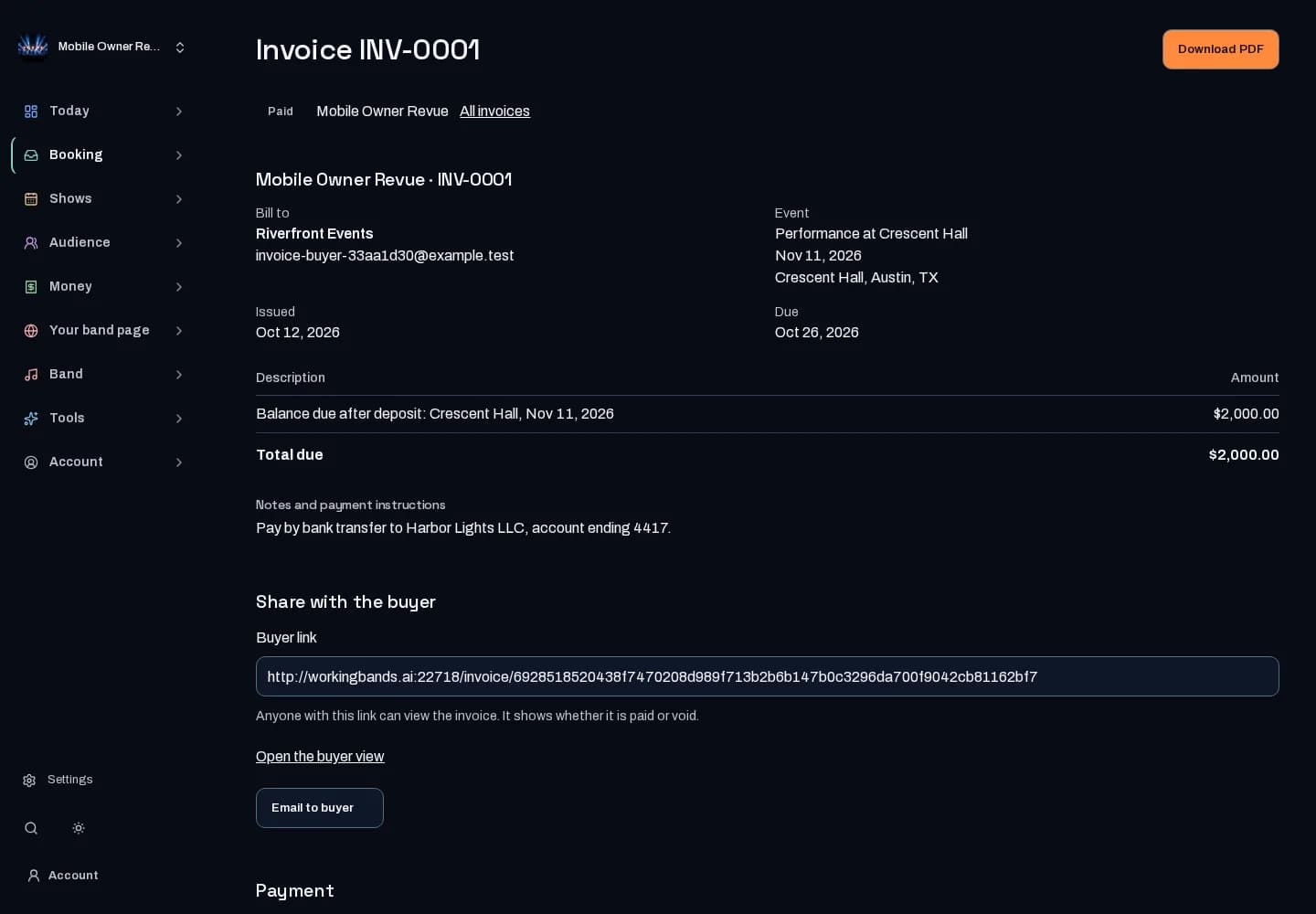
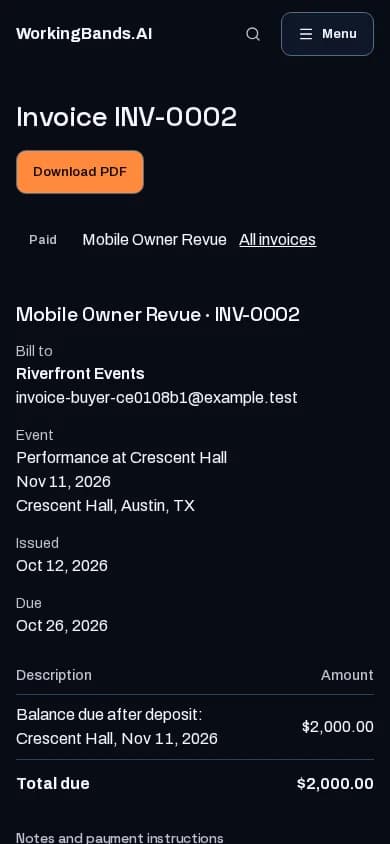
Bill a buyer for a confirmed show or an accepted quote. Start from the agreed fee, deposit or balance, issue a numbered PDF and record the payment yourself.
Who it is for
For bandleaders who send their own invoices to buyers.
Inside the workspace
2 real screens from the tool
How to start
- Open a confirmed show or an accepted quote and choose Create invoice, or start a blank invoice from Invoices.
- Check the buyer, line items, due date and payment instructions, then issue it. Issuing gives the invoice its number (INV-0001, INV-0002 and so on for each act) and locks it.
- Download the PDF or share the buyer link. When the buyer pays you, choose Mark paid and record the date and method.
New here? Get your free EPK. Already set up? Open the dashboard workspace.
Questions before you start
Does WorkingBands collect the payment?
No. The invoice tells the buyer what to pay and how to pay you; the money goes straight to the band. Mark paid records what you received, and is separate from your own WorkingBands billing.
How do I correct an invoice I already issued?
Issued invoices cannot be edited. Void it with a reason, then choose Reissue to start a corrected draft. The new invoice gets the next number and says which invoice it replaces.
Is the invoice emailed automatically?
No. Nothing is sent until you choose Email to buyer and confirm. You can also download the PDF or copy the buyer link and send it yourself.