WorkingBands.ai features
Quotes
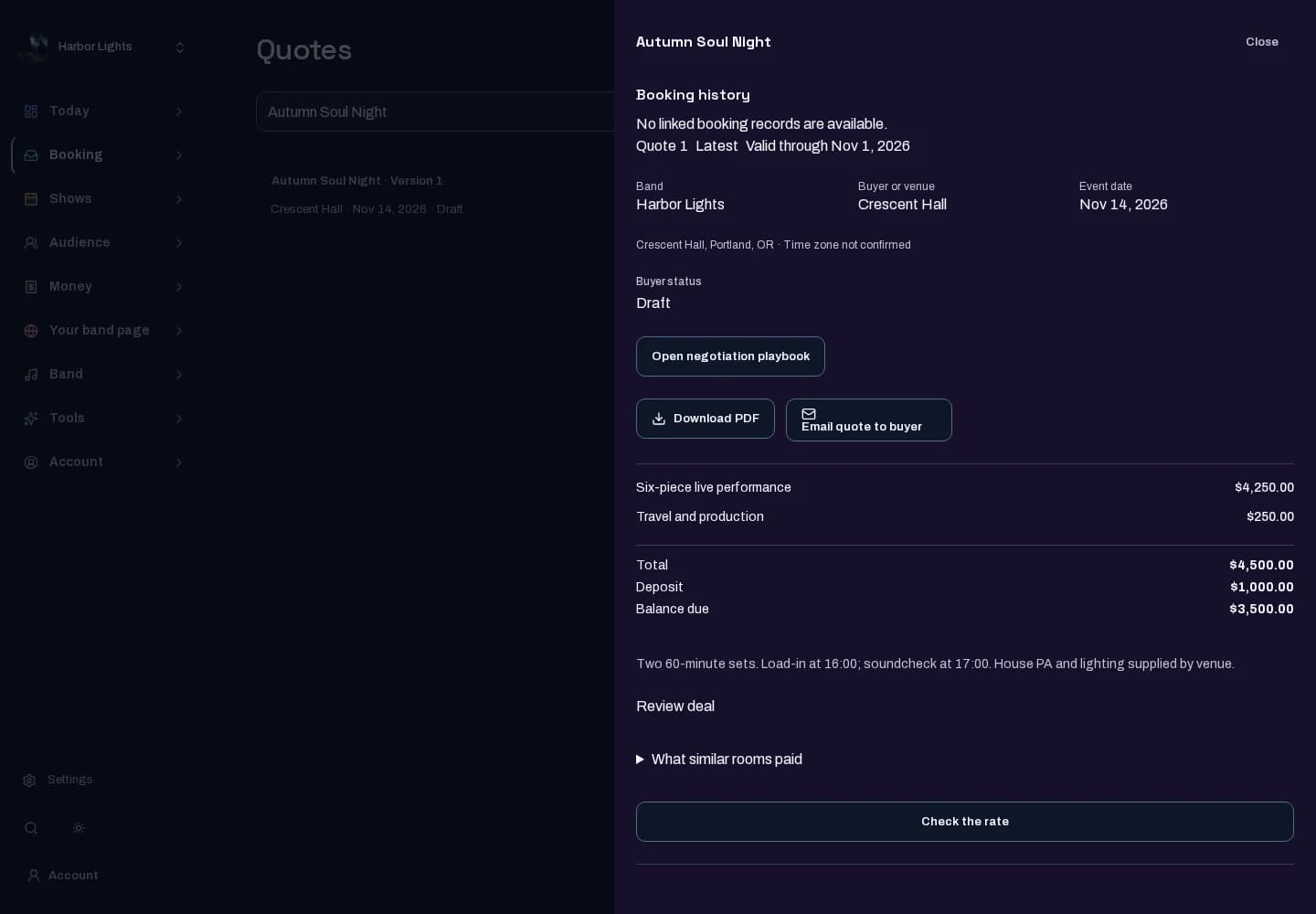
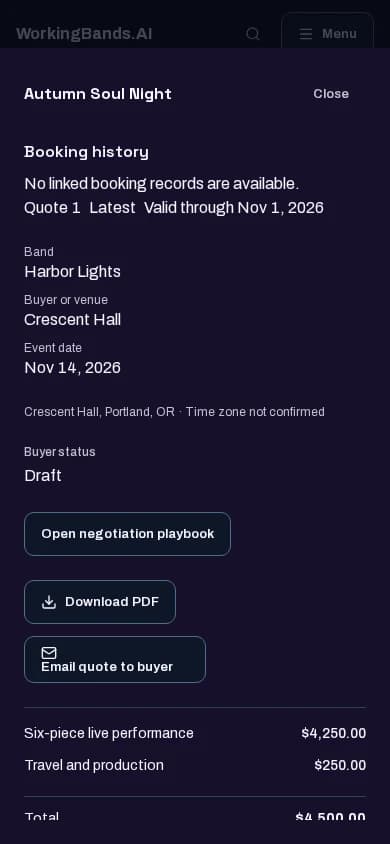
Keep booking terms in a quote you can review. Work with saved versions and the engagement facts before sharing the offer.
Who it is for
For bandleaders preparing and tracking booking quotes.
Inside the workspace
2 real screens from the tool
How to start
- Create your account or sign in. Open Quotes in the dashboard.
- Choose or prepare a quote, review its engagement details and terms, then use the available review and sharing actions deliberately.
New here? Get your free EPK. Already set up? Open the dashboard workspace.
Questions before you start
Does creating a quote confirm a booking?
A draft quote is not a confirmed booking. Follow the quote’s acceptance and booking workflow and check the displayed status.
How do I get started?
Create your account or sign in. Open Quotes in the dashboard.