WorkingBands.ai features
Tour operations
Keep the run in one workspace. Open the tour’s dates, shows, crew, travel and operating details from the same plan.
Who it is for
For bands coordinating several show days and the work around them.
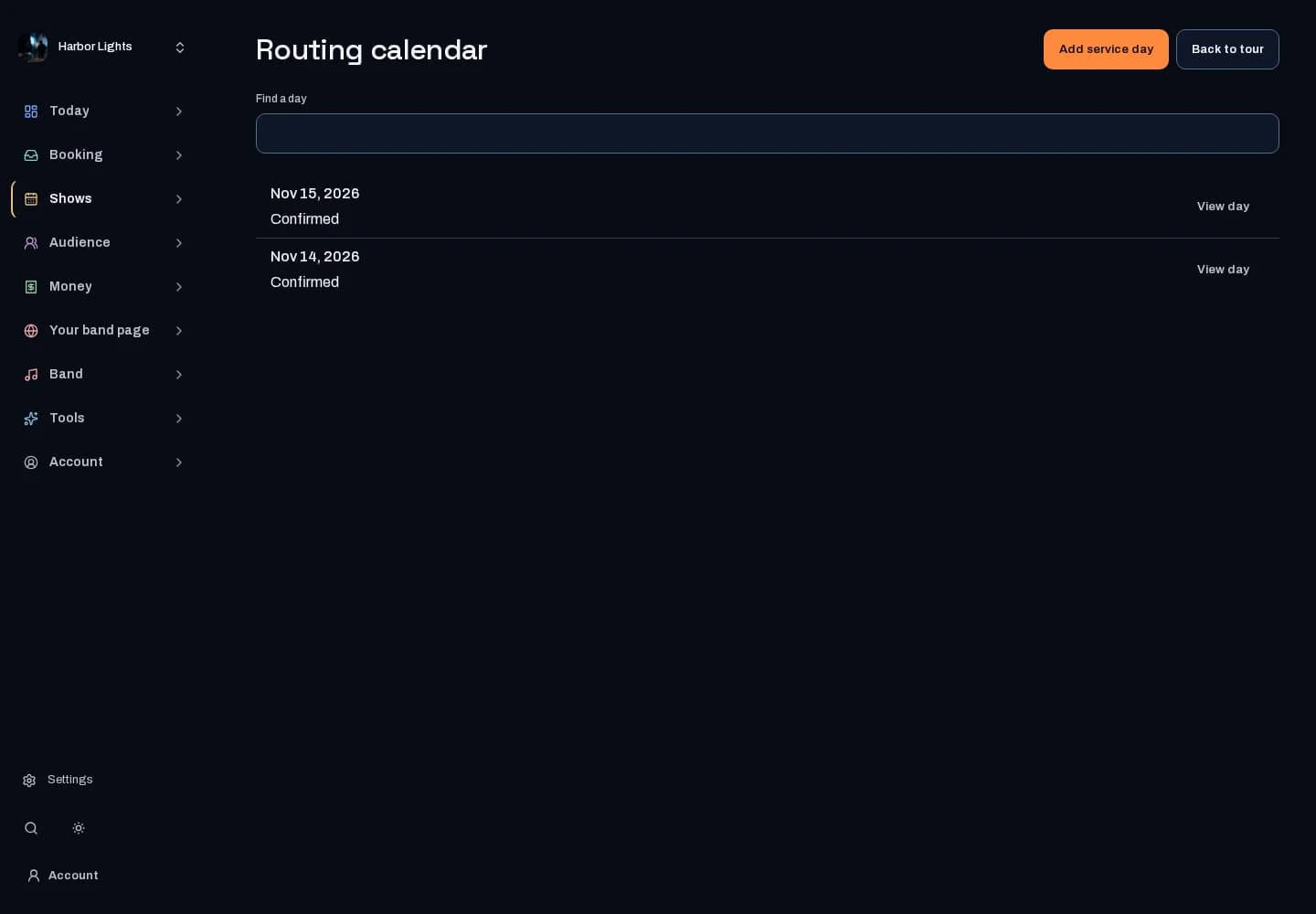
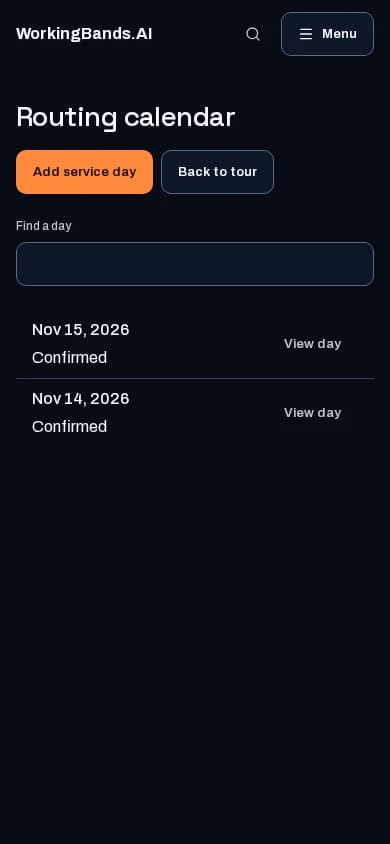
Inside the workspace
2 real screens from the tool
How to start
- Create your account or sign in. Open Shows & tours and choose the tour you manage.
- Review the tour overview, then open the scheduling, crew or travel workspace you need. Keep each source record current.
New here? Get your free EPK. Already set up? Open the dashboard workspace.
Questions before you start
Does starting a tour grant everyone access?
No. Tour and band permissions determine who can view or edit each workspace. Shows and tours must be enabled for the site.
How do I get started?
Create your account or sign in. Open Shows & tours and choose the tour you manage.